








Your website should feed your sales team
Webflow integrations
that keep working


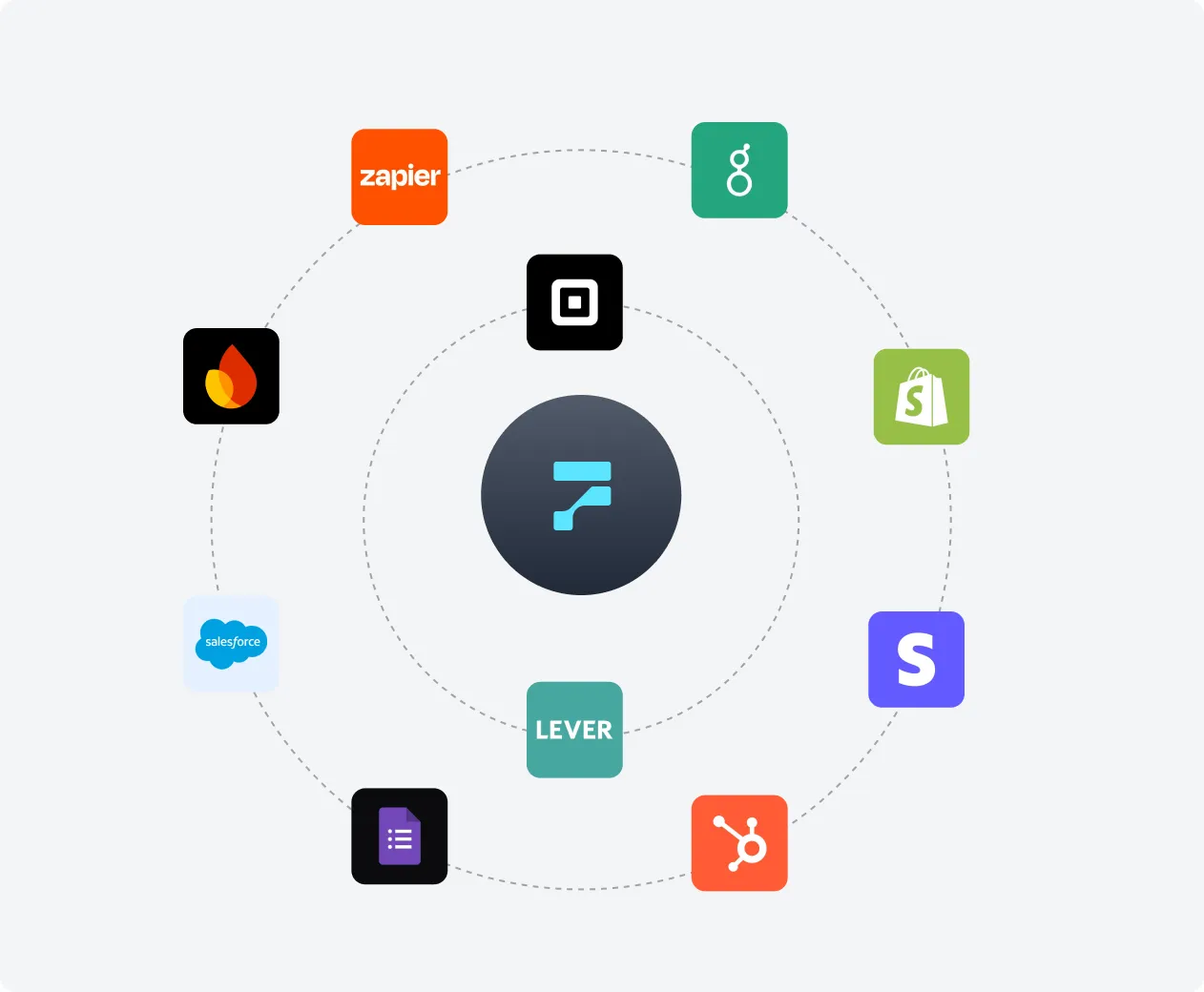
Integrations we set up in Webflow

Google Analytics

ActiveCampaign

Airtable

accessiBe

Greenhouse

PayPal

Square

Shopify

REST API

Frontify

Mixpanel

Google Sheets

Bynder

Stripe

HubSpot

Firebase

Segment

Lever

Forms

Salesforce

OneTrust

Zapier
Questions about Webflow integrations

Almost any tool with an API. We most often connect Webflow to HubSpot, Salesforce and ActiveCampaign for leads, Stripe and PayPal for payments, Greenhouse and Lever for jobs, Airtable and Google Sheets for content, GA4, Mixpanel and Segment for analytics, OneTrust for consent and Frontify or Bynder for brand assets. If a tool has no ready-made app, we build a custom API integration.
We use a native Webflow app or a trusted tool when it does the job well, because it costs less to run and is easier for your team to manage. We write custom code when you need logic, data mapping or security rules that an app can't handle.
The Webflow Data API lets other systems create, read, update and publish CMS items, manage pages and handle form submissions. Teams use it to sync product data, job listings or content from other tools into Webflow automatically.
Yes. We build an integration that reads from your database or product API and creates or updates Webflow CMS items on a schedule or when the data changes, so the site always shows current information.
Usually on a serverless platform such as Cloudflare Workers, AWS Lambda or Vercel, or on your own infrastructure if your security team prefers. We document the setup and hand over access.
Webflow has built-in settings for Google Analytics and the Meta Pixel, and Webflow Ecommerce takes payments through Stripe and PayPal. The Webflow Marketplace adds apps for tools like HubSpot, ActiveCampaign, Frontify and Bynder, several of which we built. Everything else connects through embed code, Zapier or Make, or the Webflow Data API.