Trusted by Stripe, PayPal and 460+ more










What is form optimization?
Fewer drop-offs at the last step
Form optimization improves the forms where visitors become leads, like demo requests and contact forms. We use form analytics to see where people stop, then test changes such as fewer fields, clearer labels, multi-step layouts and better error messages. We also check routing to your CRM, so every lead reaches sales with the details they need.
Featured projects
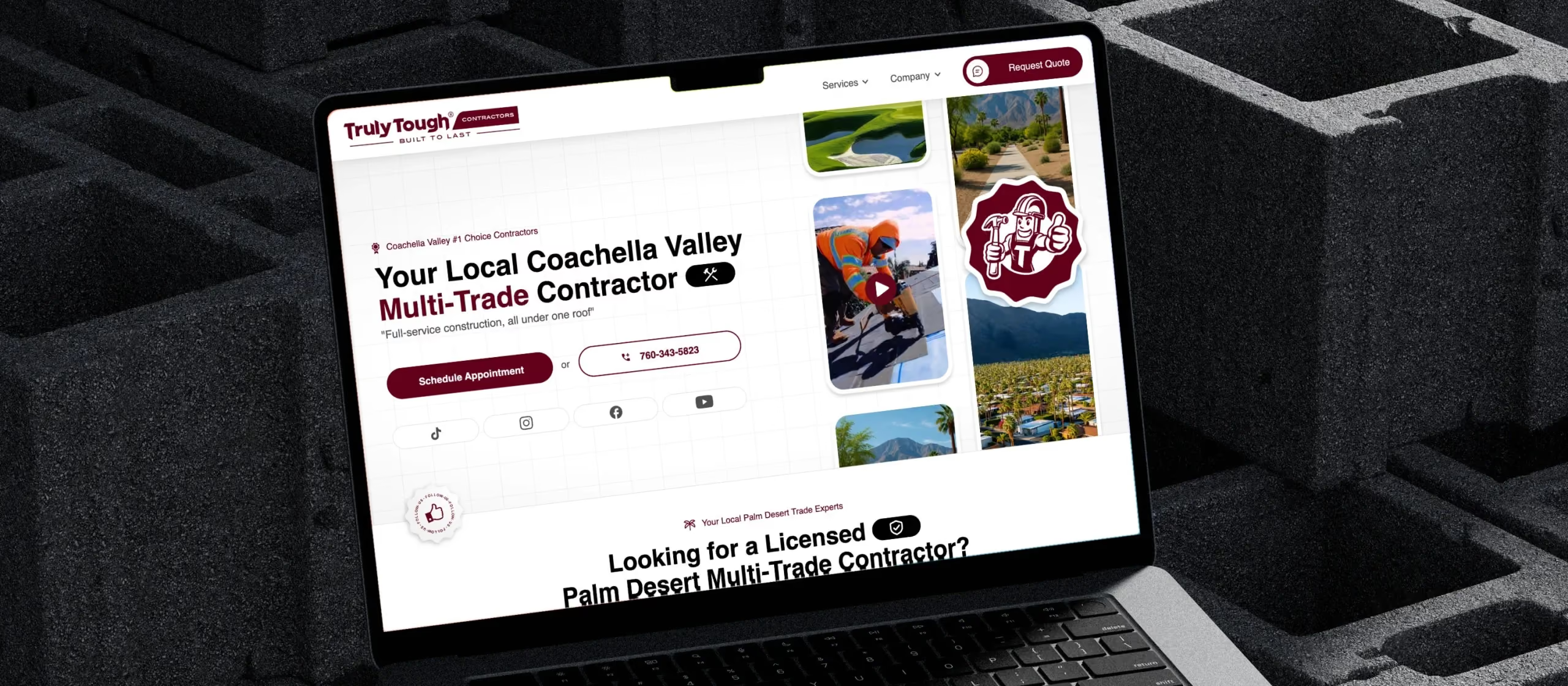

Development
/
Webflow integration
/


Design
/
Development
/
Localization
/


Development
/
SEO Optimization
/
Lottie animations
/
Ongoing maintenance
/



CRO
/
A/B testing
/
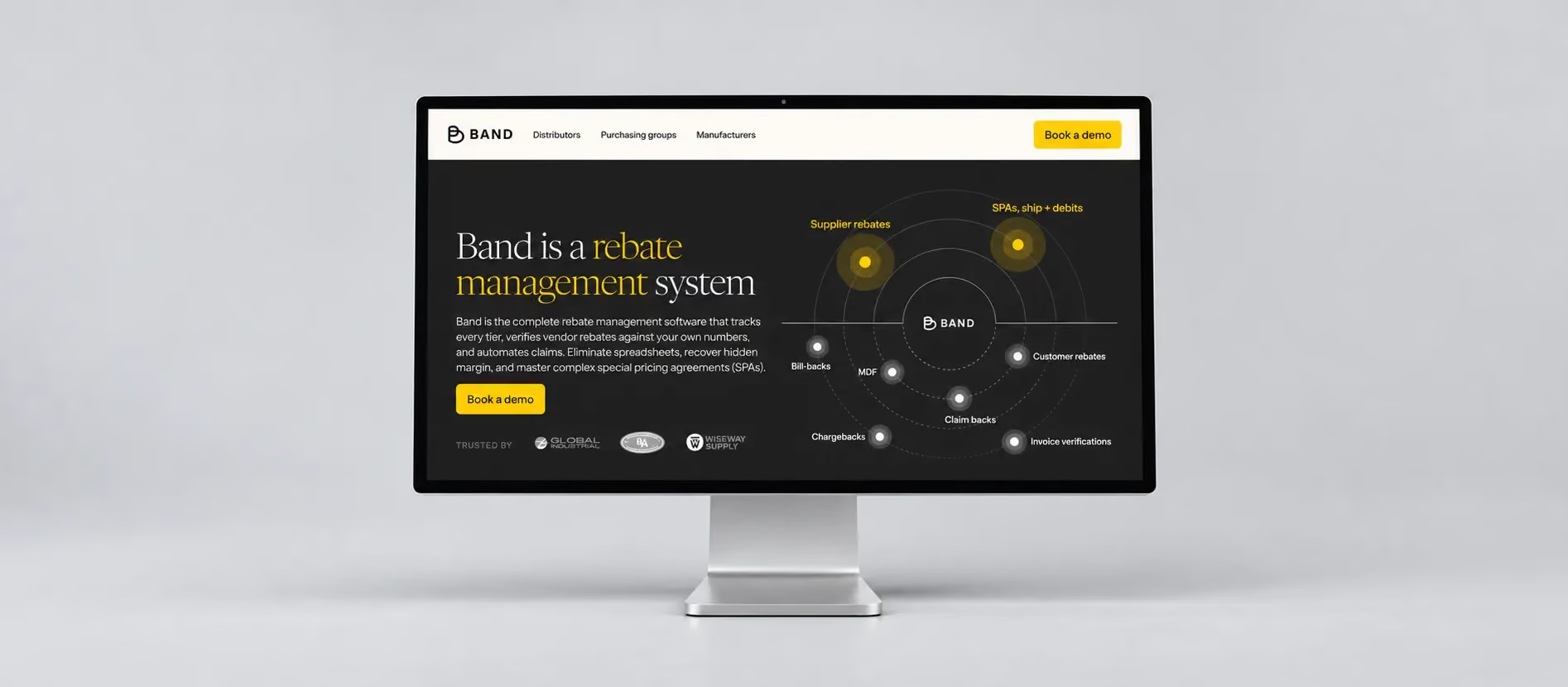

Design
/
Development
/
Lottie animations
/

FAQ
Questions about our CRO services
How many fields should a B2B demo form have?

As few as your sales process needs. Every extra field can lower completion, so we check which fields your sales team uses. Details like company size can often be added automatically with enrichment tools instead of asking the visitor.
Are multi-step forms better than single-step forms?
Often, for longer forms. Starting with easy questions and splitting the rest into short steps can raise completion. For short forms, a single step usually works best, and we test both when your traffic allows it.
Can you connect Webflow forms to HubSpot or Salesforce?
Yes. We connect Webflow forms to HubSpot, Salesforce, Marketo and other tools, map every field and test that each lead reaches the right owner with the right details.


Join Stripe, Kajabi and 460+ more