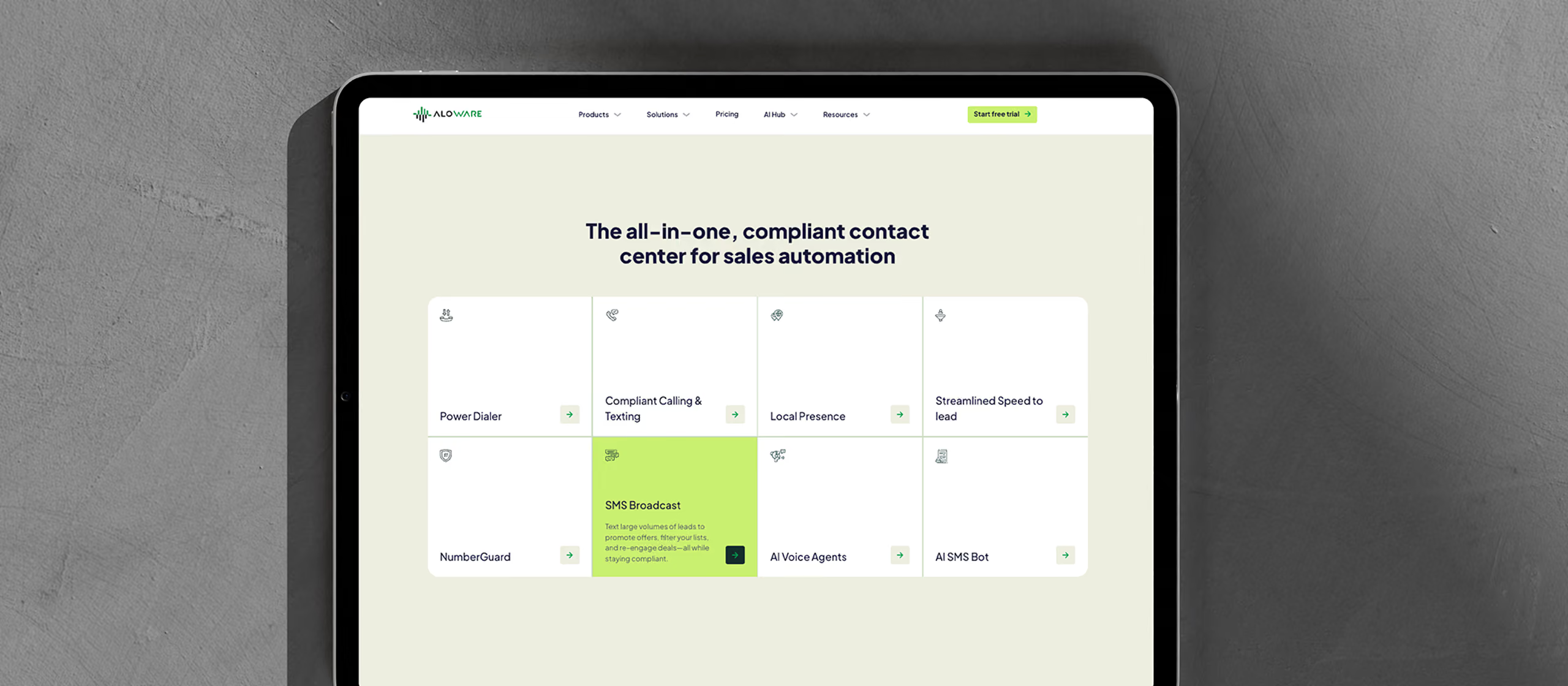
How Flowout built a Webflow component library so JScreen’s marketing team can build its own pages

About JScreen
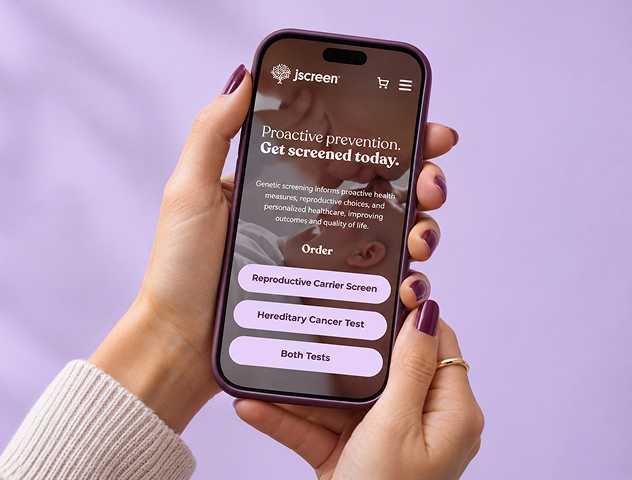
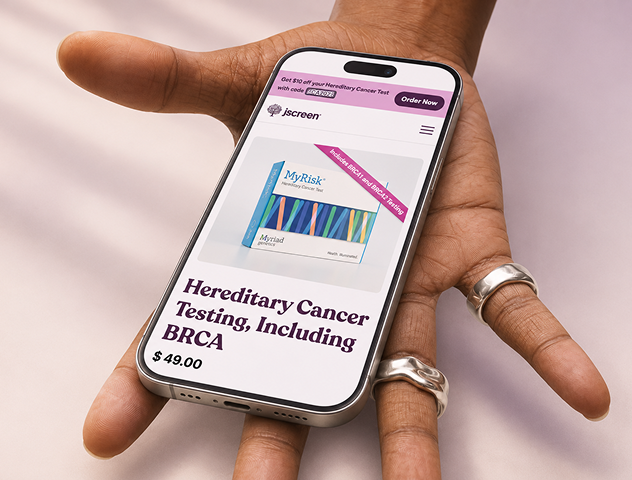
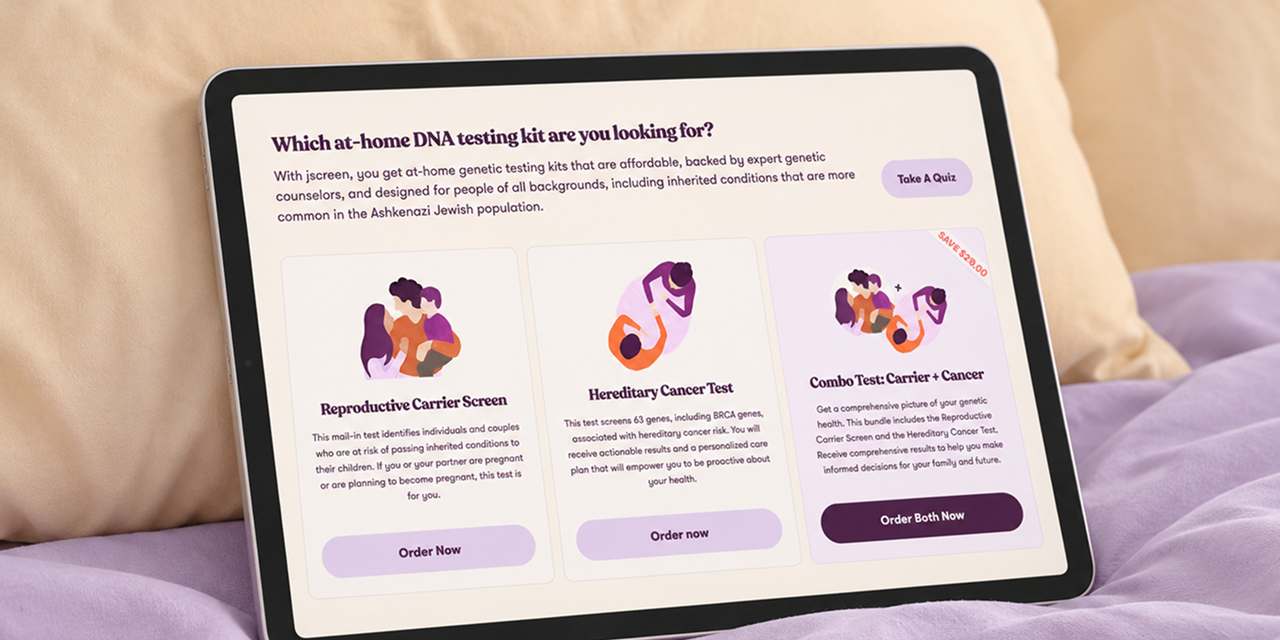
JScreen is a US non-profit genetic health organization based at Emory University School of Medicine in Atlanta. It offers affordable at-home, saliva-based genetic testing backed by genetic counselors. Its tests include a Reproductive Carrier Screen, a Hereditary Cancer Test covering 63 genes including BRCA, and a bundle of both. JScreen serves people of all backgrounds, from couples planning a pregnancy to anyone who wants to understand their hereditary cancer risk.
Key features delivered
The challenge
JScreen first needed a Stripe checkout with product bundles, marketing landing pages, and a cancer risk quiz. After a few months, JScreen’s marketing team picked up the pace. They launched a steady stream of landing pages, SEO pages, product page variants, and A/B tests.
The site itself made changes hard. Most pages were built as one-off layouts with page-specific classes. Sections could not be reused or safely rearranged by anyone outside development. Simple changes like spacing, image height, column width, or section order needed a developer. Pages often went through several rounds of revisions after they reached development.
JScreen needed its own team to build and adjust pages in Webflow without waiting on developers. The solution had to:
- Give a non-technical marketing team flexible building blocks they could use with confidence
- Keep every page visually consistent
- Rebuild existing pages without disrupting the live site
- Keep checkout, forms, and tracking scripts working throughout
Our approach
The first plan was to rebuild the site on a separate Webflow project while the old one stayed live. It did not hold up. Because of ongoing changes, some things had to be made twice. Instead of a new site, we built a reusable component library inside the existing Webflow project and rebuilt pages in place.
We worked in five phases:
- Planning: Moved from a parallel rebuild to a shared component system.
- Component library build: Core components and props built in Webflow, with the library.
- Documentation: Worked examples and video tutorials for the JScreen team.
- Page rebuild: Existing pages rebuilt on components one at a time on staging, checked in QA, then synced to live.
- Handover and support: The JScreen team builds its own pages while Flowout answers how-to questions and maintains the library.
To cut late-stage changes, we also started sharing Figma prototype links before development. Page feedback came in through MarkUp.io, and day-to-day communication ran through a shared Slack Connect channel and email.
The goal was simple: give JScreen’s marketers a system they could run on their own, without a developer in the loop.
Why Flowout
This project shows what a strong relationship with a client makes possible. When the parallel rebuild stopped making sense, we changed course early instead of maintaining two sites. The component work ran alongside campaign launches, a new checkout integration, and tracking updates, without slowing JScreen’s marketing down.
We build component libraries for the people who use them after handover. For JScreen, that meant a system a small, non-technical team could learn from tutorials and documentation, then use to publish real pages.



The results
JScreen’s marketing team now builds pages on its own. Their first self-built pages include Genetic Testing for Everyone and a set of hereditary cancer pages covering breast, lung, colon, and pancreatic cancer. Flowout’s role on these pages is a final spacing and SEO pass before publishing.
JScreen’s team can now:
- Build new landing and SEO pages by assembling pre-built components
- Adjust column widths, grid behavior, spacing, and hero images without a developer
- Reset any change back to its default
- Keep every new page consistent with the rest of the site