






An online portfolio is the single most important asset a creative professional can have. More than a resume, more than a LinkedIn profile - it's where your work speaks for itself and where potential clients or employers decide whether to reach out.
This guide covers everything: what an online portfolio actually needs to include, how to build one step by step, which platform to use, and 15 real examples across different creative fields worth stealing ideas from.
What is an online or digital portfolio?
An online portfolio is a website that showcases your best work, your skills, and the kind of clients or projects you want to attract. It acts as a living, always-on version of your CV - a digital portfolio that’s accessible 24/7 to anyone around the globe with an internet connection and can show rather than tell.
Unlike a PDF portfolio or a social media profile, an online portfolio gives you full control over how your work is presented. You decide the layout, the narrative, the pacing. A well-built portfolio communicates your aesthetic sensibility before a visitor has read a single word.
Who needs an online portfolio website?
If you work in a field where output is visible and judgment-based, you need a portfolio. That includes:
- Web designers and UI/UX designers
- Web developers and Webflow developers
- Graphic designers and brand designers
- Illustrators and motion designers
- Photographers and videographers
- Copywriters and content strategists
- Architects and interior designers
- Creative directors and art directors
- Animators and 3D artists
Even roles that aren't traditionally "creative" - product managers, data scientists, consultants - are increasingly using an e portfolio to present expertise through selected work and build personal brands.
What to include in your online portfolio
The best online portfolios have a clear structure. Every section earns its place.
A clear headline. The first thing visitors should understand is who you are and what you do. "UI designer for B2B SaaS companies" is better than "designer." Specificity attracts the right clients and filters out the wrong ones.
Selected work (not all your work). Five to ten projects, curated for quality and relevance to the work you want to win. A portfolio that shows 30 projects is usually less impressive than one that shows 8 exceptional ones. Choose projects that represent the type of work you want more of.
Case studies, not just screenshots. For each project, explain the problem, your approach, and the outcome. Measurable results - engagement rates, conversion improvements, before/after metrics - make case studies far more persuasive than visuals alone.
A bio or about page. Clients hire people, not just outputs. A short bio that communicates your background, approach, and personality builds the human connection that converts visitors into leads.
Testimonials or client logos. Social proof reduces the friction of reaching out. Even one or two strong quotes from past clients can significantly increase the number of enquiries you receive.
A clear contact path. Make it easy to get in touch. A simple contact form, an email address, and links to LinkedIn are all you need. Don't hide your contact information.
Optional but valuable: a blog or writing section (demonstrates thinking), a list of tools and skills (helps with SEO), and a downloadable PDF version for clients who prefer it.
How to build an online portfolio: a step-by-step guide
1. Define your niche and target client
Before any visual decisions, be clear on who the portfolio is for. Ask yourself:
- What is my primary skill?
- Who is my dream client?
- What kind of projects do I want more of?
Choosing a niche helps you decide which creative work and design work to emphasize.
The answer to these questions shapes every other decision - what projects to include to highlight your best skills, how to write your bio, what tone to use. A portfolio for a freelance photographer shooting luxury brands should feel very different from one built by a UX designer targeting early-stage startups.
2. Select your best 5-10 projects
Be ruthless. Choose the work that best reflects the type of projects you want more of. If a project doesn't represent the level you're at now, leave it out.
Organize by type or industry if you have breadth. For each project, collect: a strong hero visual, context on the brief and challenge, your specific contribution, and any results you can reference. That might include client work, campaign work, or design projects, depending on your field.
3. Write your case studies
A case study answers four questions: What was the problem? What did you do? Why did you make those decisions? What happened as a result?
Keep case studies concise but substantive. Three to five paragraphs per project is usually enough. If you can include a measurable result - even a qualitative one - include it.
4. Choose your platform
Your platform choice affects your portfolio's design flexibility, performance, and long-term maintenance. Wix is a portfolio website builder with over 100 customizable portfolio website templates and built-in SEO tools for portfolio optimization. Canva works well as an online portfolio maker with drag and drop editing, while Google Sites is a user friendly free portfolio website option that requires no coding knowledge. More on this in the section below.
5. Build with performance in mind
Responsive design is non-negotiable. A significant portion of portfolio traffic - including from recruiters and clients reviewing on the go - comes from mobile devices. Your work should look as good on a phone as on a widescreen monitor, and many portfolio builders include features that help optimize layouts across devices.
Page speed also matters. A slow-loading portfolio reflects poorly on you, particularly if you're presenting yourself as a web professional. Keep image sizes optimized, optimize photos and videos so pages stay fast, avoid heavy scripts where possible, and test load time before launch.
6. Add social proof and a contact path
Gather one or two client testimonials before you launch. Add them to your homepage or about page. Then make your contact path obvious: a clear CTA in the navigation, a contact form, your email address, and alongside LinkedIn, relevant social media profiles or professional social media accounts where clients can verify your work and contact you.
7. Launch and update regularly
A portfolio is never finished. Update it when you complete strong work. Refresh the copy when your positioning evolves. Search engines favor active sites, and clients can tell when a portfolio hasn't been touched in two years. Once you publish your portfolio online, it can be seen by the whole world and should be updated like a live site rather than a finished file.
The best portfolio website builders and platforms for building an online portfolio
Choosing the right platform is one of the most important decisions in building your portfolio, so it helps to compare both capabilities and pricing plans. Here's how the main options compare.
Webflow is the strongest choice for creative professionals who want full design control without writing code. It generates clean HTML and CSS, has built-in hosting, and supports complex animations and interactions natively. Webflow portfolios can be made to look like anything - there's no template constraint limiting you. It's the platform of choice for professional designers and Webflow developers, and it performs well for SEO out of the box. The main limitation is a learning curve steeper than simpler tools.
Squarespace is easier to get started with and has strong template quality. It's a solid choice for photographers, illustrators, and creatives who want something polished quickly. The design flexibility ceiling is lower than Webflow - you can customize within templates, but significant departures require workarounds.
Adobe Portfolio is included with Creative Cloud subscriptions, making it essentially free for existing Adobe users. It integrates with Behance and is straightforward to set up. Design flexibility is limited, and it's less suitable for developers or anyone who wants a bespoke visual identity. If you want a free portfolio, Google Sites is a free option with free hosting and basic SEO controls for indexing, while Canva offers SEO-friendly website templates.
Cargo is popular among graphic designers and artists for its distinctive aesthetic and flexible grid-based layouts. It's well-designed and caters to a specific creative sensibility. Less suited to developers or UX designers who need case study-heavy structures.
Notion has become a simple portfolio option for some designers and writers - low-effort setup, shareable links, integrates with work tools. It lacks visual polish and is better suited as an internal portfolio or supplement to a proper site rather than a primary public presence.
GitHub Pages works for developers who want to showcase code projects and are comfortable with HTML/CSS/JavaScript. Not appropriate for non-technical creatives.
Wix is easier than Webflow to launch and offers 100s of free customizable templates, plus 99.99% uptime if you host there. Its built-in marketing tools help promote your site, its SEO assistant analyzes pages and recommends improvements, SEO best practices are built into portfolio sites, and more than 80,000 are published monthly on the platform. It can work well for beginners comparing paid plans, but the customization ceiling is lower than Webflow.
For most serious creative professionals, Webflow offers the best combination of design freedom, performance, and SEO capability.
Why Webflow is the best platform for creative portfolios
Flowout has built hundreds of Webflow sites, including portfolio and showcase sites that help creatives create a stronger personal brand online across design, development, photography, and creative direction. Here's what consistently makes Webflow the right choice for portfolios specifically.
No design constraints. Unlike template-based platforms, Webflow lets you design freely on a visual canvas while producing clean, production-ready code, so a polished presentation can also reflect your design skills. Your portfolio can look exactly like your Figma file.
Animations and interactions built in. For designers or developers who want to demonstrate their craft through the portfolio itself, Webflow's animation and interaction capabilities are unmatched without writing code. Scroll-triggered reveals, hover states, page transitions, and more are all achievable visually.
Strong SEO fundamentals. Webflow generates semantic HTML, gives you full control over meta tags and open graph data, handles 301 redirects, and produces fast-loading pages. This matters for long-term discoverability.
CMS for ongoing content. If you want to add case studies or blog posts regularly, Webflow's CMS lets you build a collection template once and add new entries without touching the design. Ideal for portfolios that grow over time.
Free templates to start. Flowout offers a free Webflow template library with portfolio-ready designs you can clone and customize. A good online portfolio builder should make it easy to start creating quickly with templates your work deserves.
15 online portfolio examples worth studying
Here are 15 portfolio websites that do something worth paying attention to - organized across different creative fields.
Web designers and developers
1. Greg Christian - A textbook minimalist portfolio. Clean layout, clear project hierarchy, contact information placed where you'd expect it. The restraint is the point: nothing distracts from the work, helping showcase your work without distraction.

2. Moritz Petersen - Clean, dynamic portfolio with a strong personal brand. The scrolling experience is fluid without being distracting - each interaction is considered rather than decorative. A good example of letting the portfolio experience itself signal design quality before a visitor reads a word.
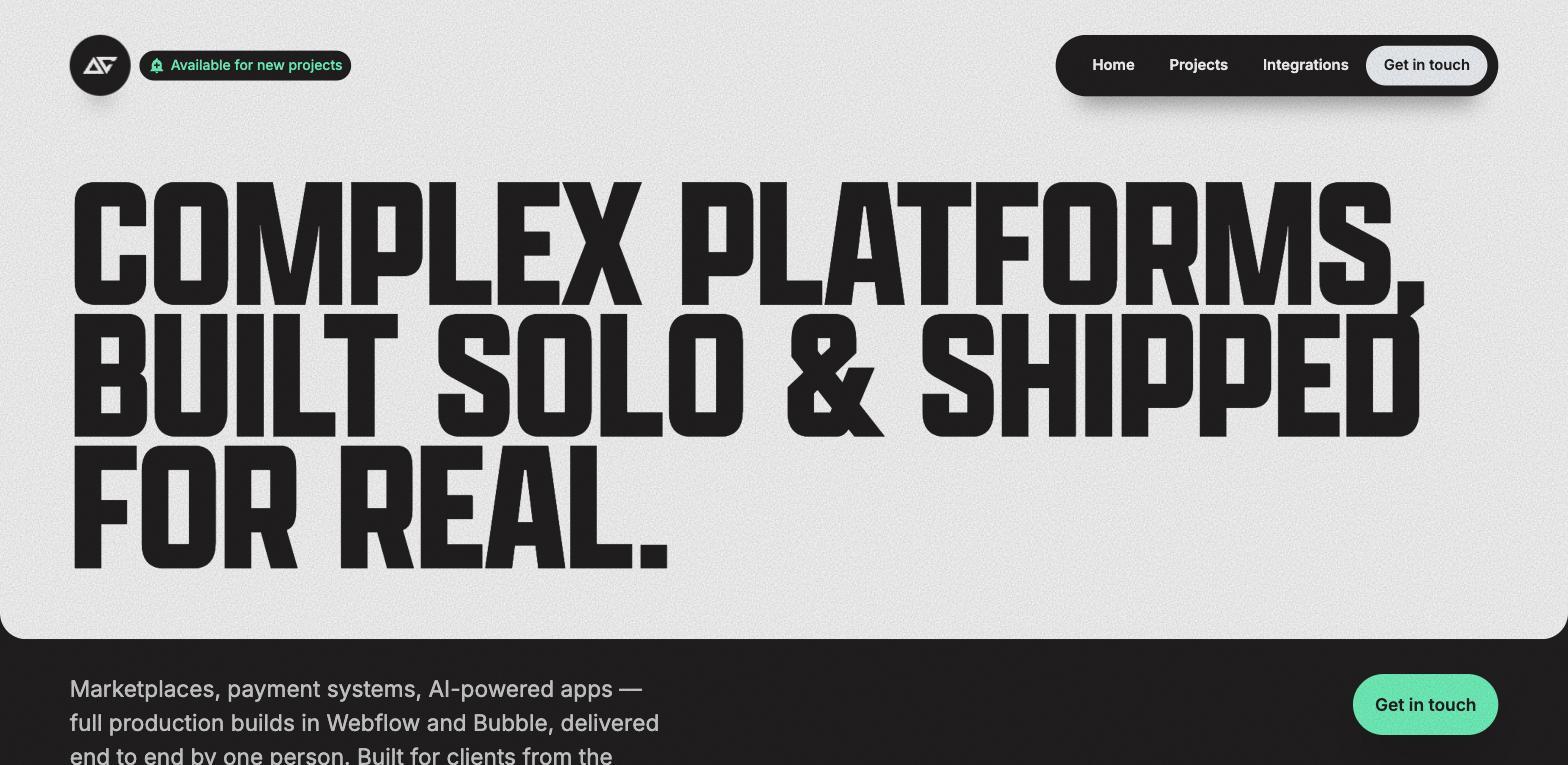
3. Aaron Grieve - Positioned around complex platform builds - marketplaces, payment systems, AI-powered apps - all built solo in Webflow and Bubble. The sparse, high-contrast design puts the credibility statement front and center. A strong example of using your portfolio headline to define exactly who you build for, and filter out everyone else.
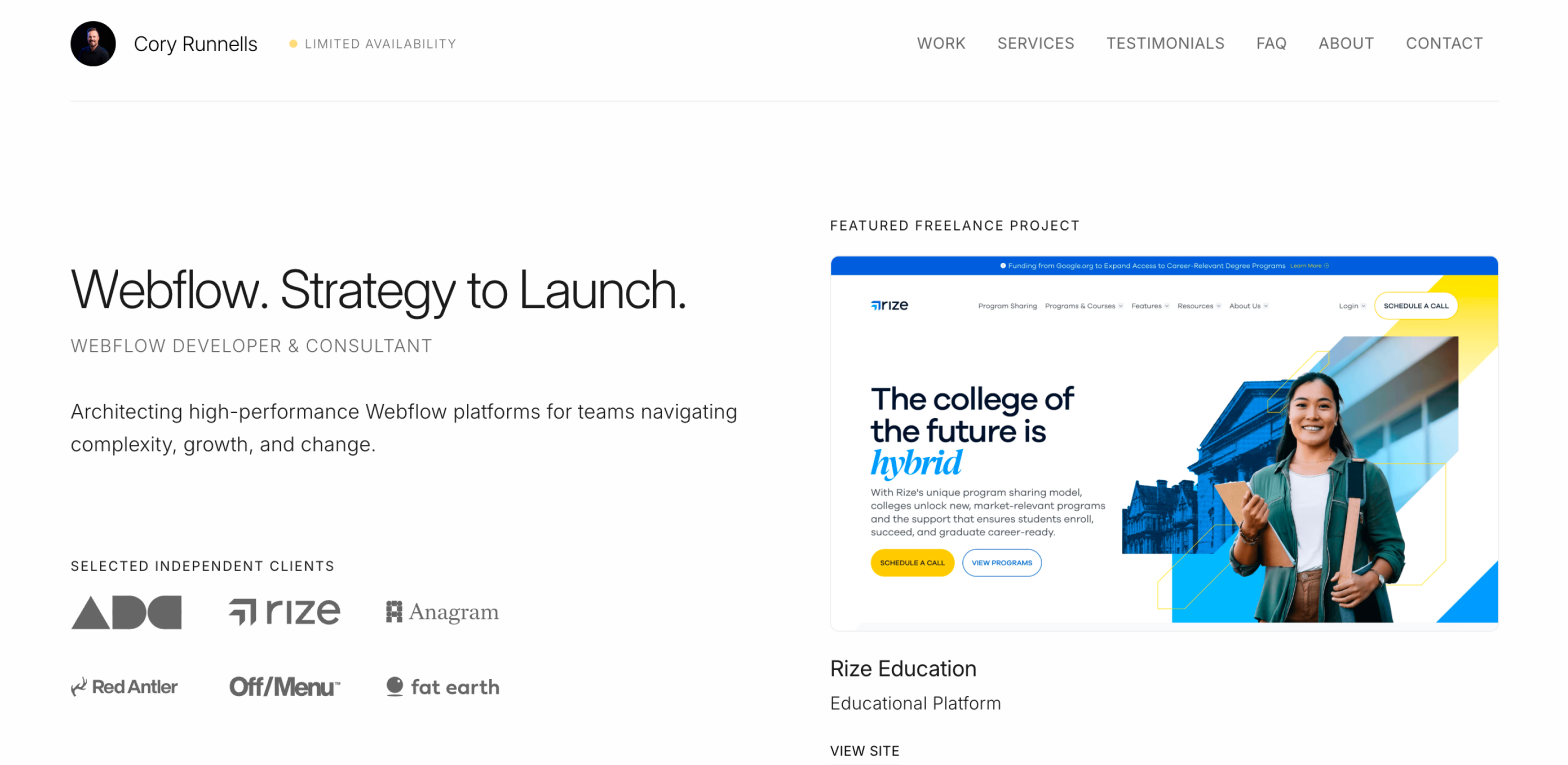
4. Cory Runnells - Known as "the Flow man," Cory's portfolio mirrors his personality and makes browsing feel like reading a comic book. It demonstrates an important principle: your portfolio's experience should reflect the kind of work you do. For a high-energy Webflow developer, a high-energy portfolio makes sense and leaves a lasting impression because the experience matches the service.
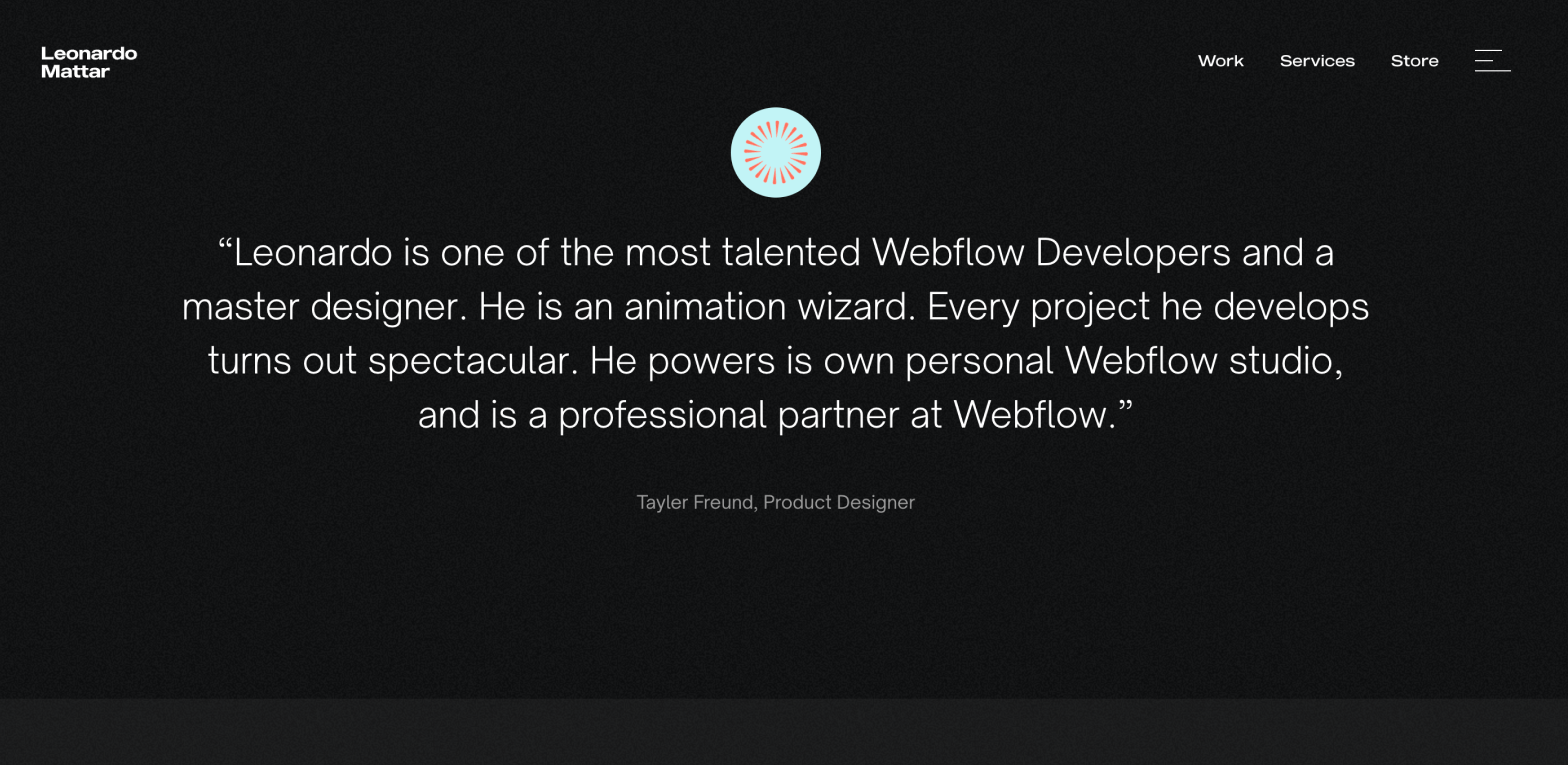
5. Leonardo Mattar - Opens with "Crafting Custom Websites for Startups" - an immediate, specific statement of niche. Project pages are detailed and visual, showing scope and process alongside outcomes. An excellent example of clarity in positioning.
Multidisciplinary designers
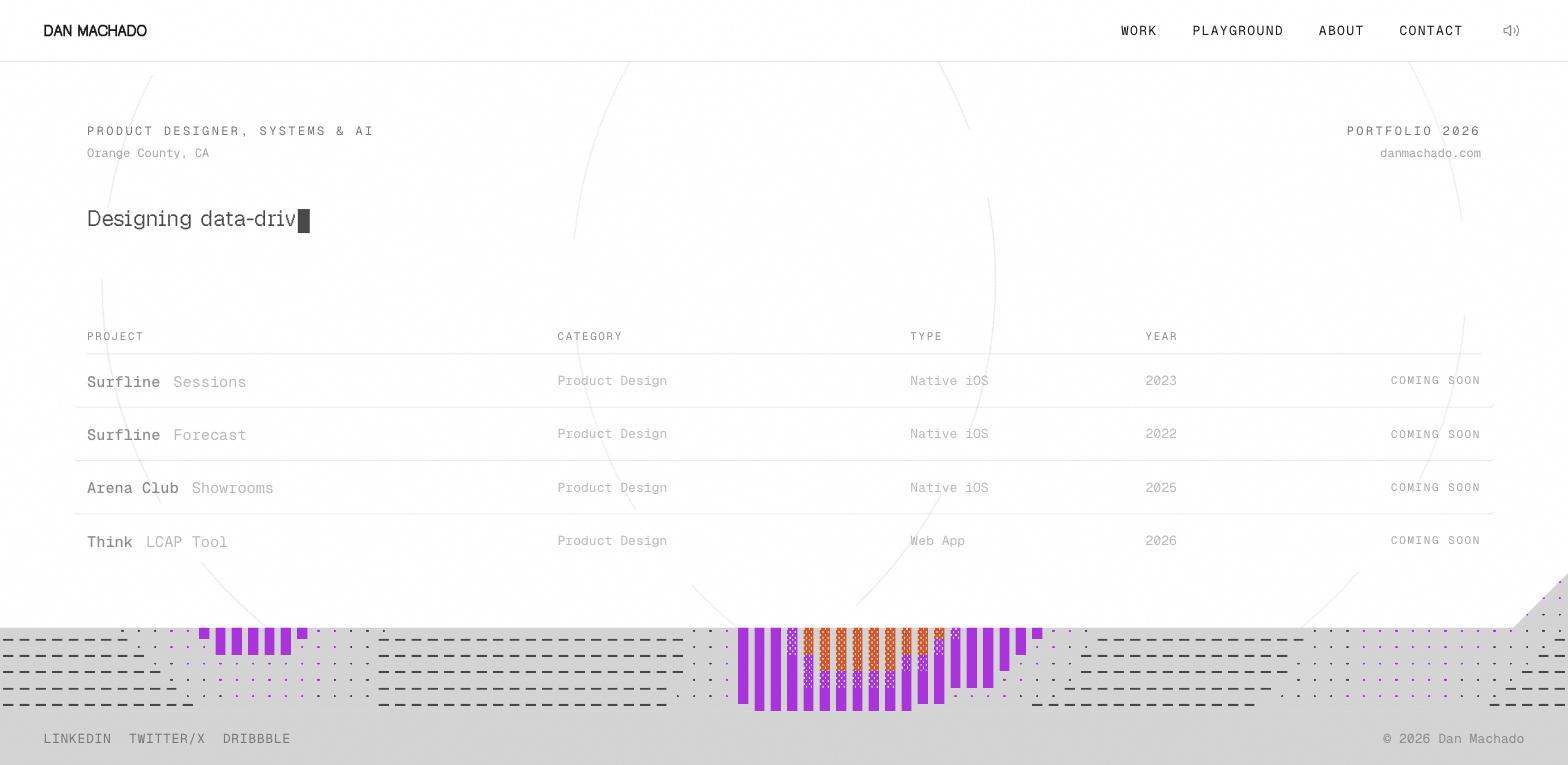
6. Dan Machado - Organized, detailed, and visually coherent throughout. Every project page shows the same attention to structure. A strong example of how design thinking applied to the portfolio itself signals quality to clients.
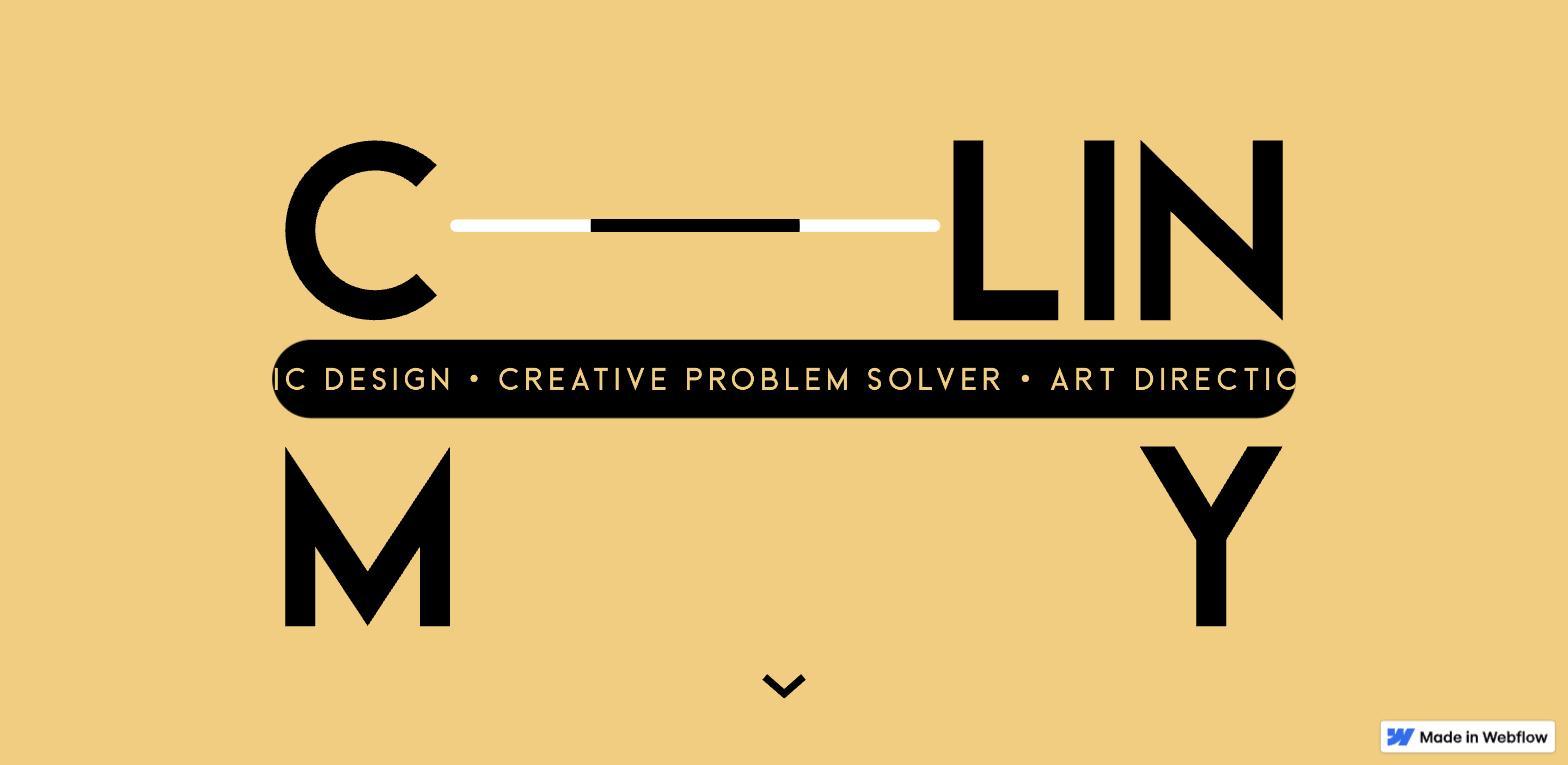
7. Colin Moy - The interactive light/dark mode toggle in the hero section is a clever touch - it's a demonstration of technical skill embedded directly in the UX. Consistent brand language from first scroll to last.
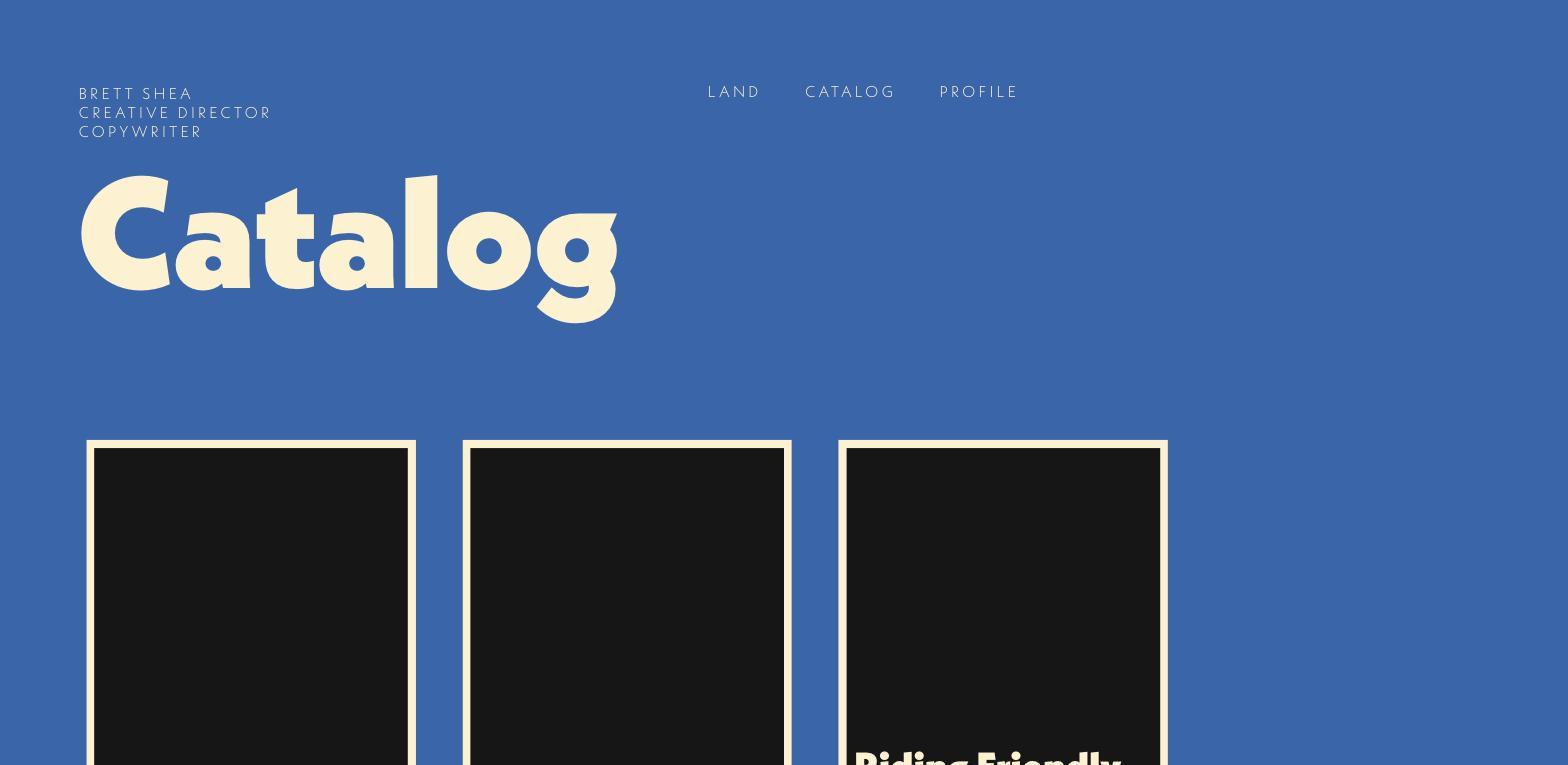
8. Brett Shea - Copywriter and creative director whose portfolio uses the copy itself as the primary signal of quality. "Brett Land" as a concept, the wordplay throughout, the catalog structure - all of it is doing work. Shows how a portfolio can demonstrate its owner's main skill, not just showcase the outputs of it.
UX and interaction designers
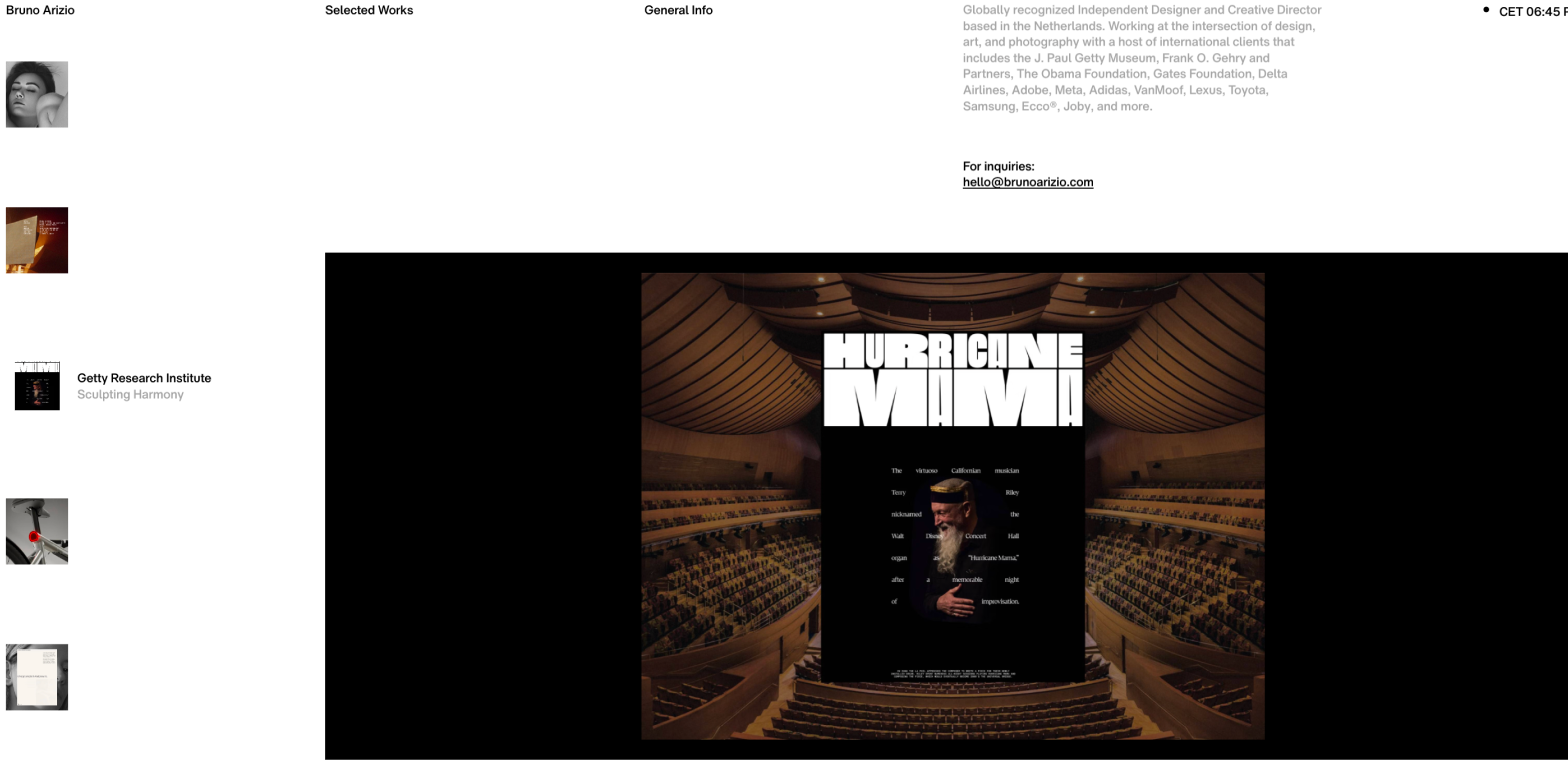
9. Bruno Arizio - Horizontal scrolling, WebGL elements, Webflow interactions working together as a premium immersive experience. As an interaction designer, the portfolio IS the portfolio. Every technical decision is on-brand.
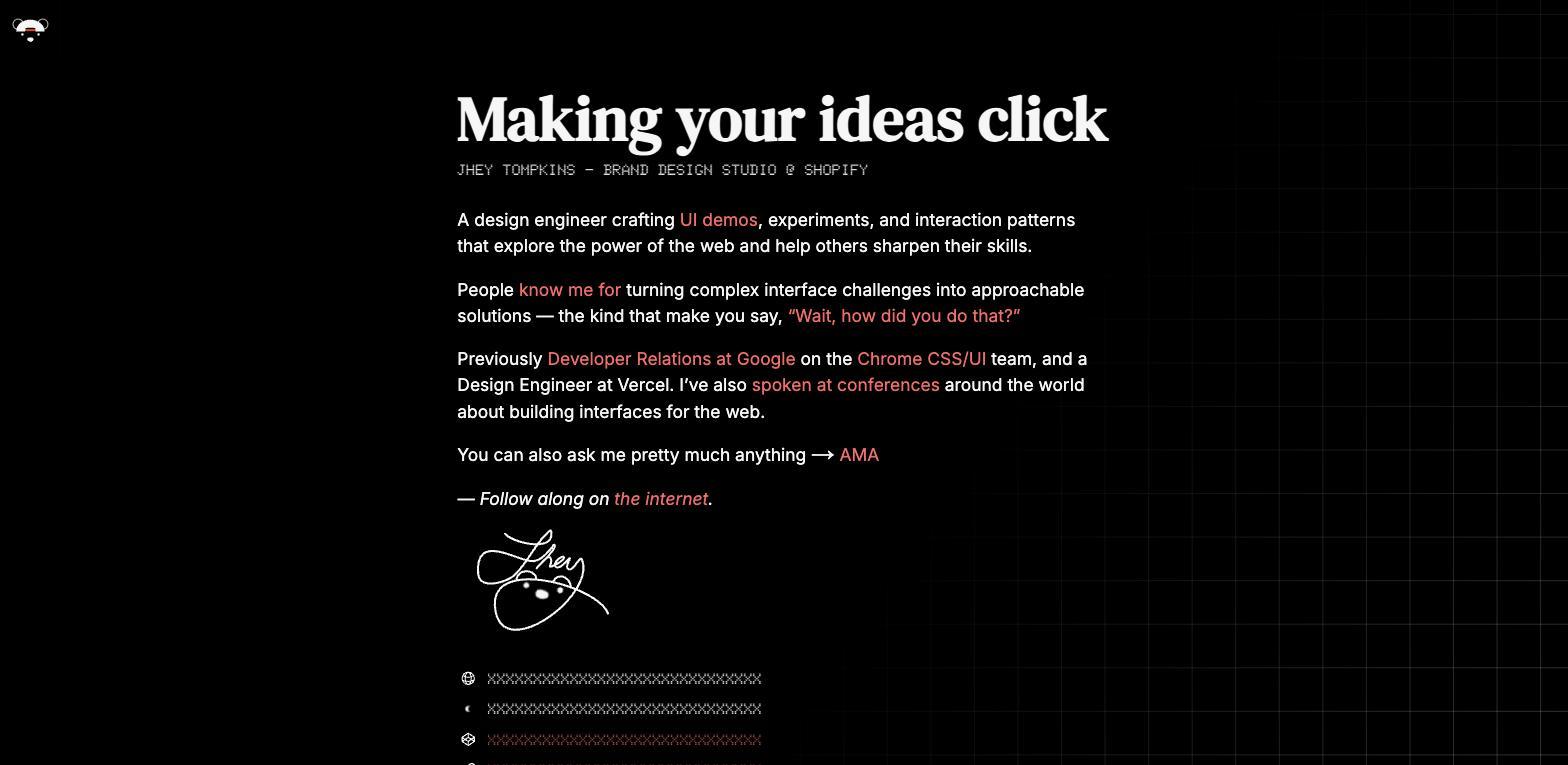
10. Jhey Tompkins - A creative developer whose portfolio is a playground of CSS experiments, interactive demos, and technical explorations. Exceptional at communicating depth of craft through the site itself rather than through a list of credentials.
Agency and studio portfolios
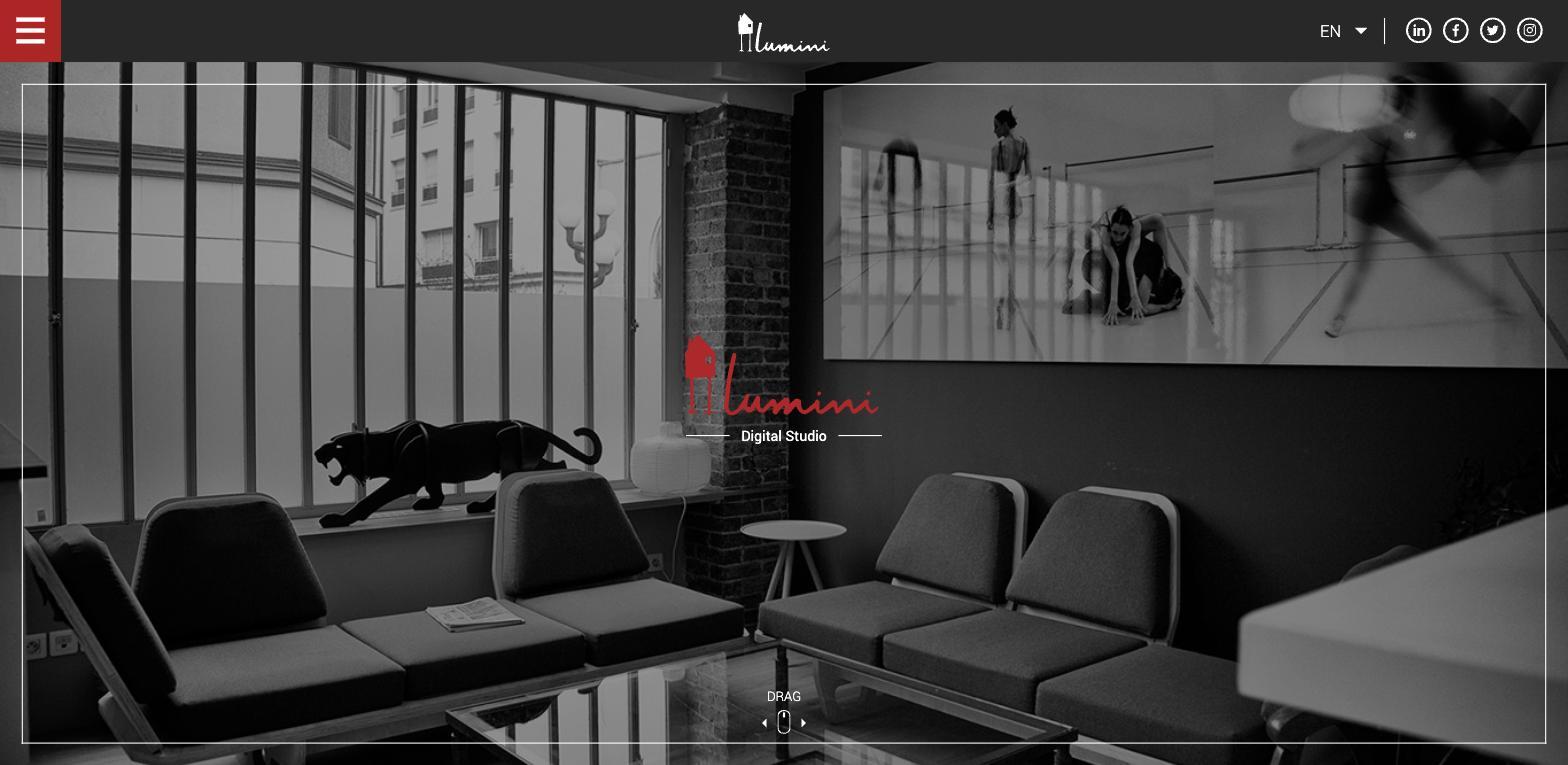
11. Studio Lumini - Minimal design, large imagery, smooth page transitions. Demonstrates how a small studio can establish credibility and perceived quality through restraint. Ideal benchmark for boutique creative agencies.
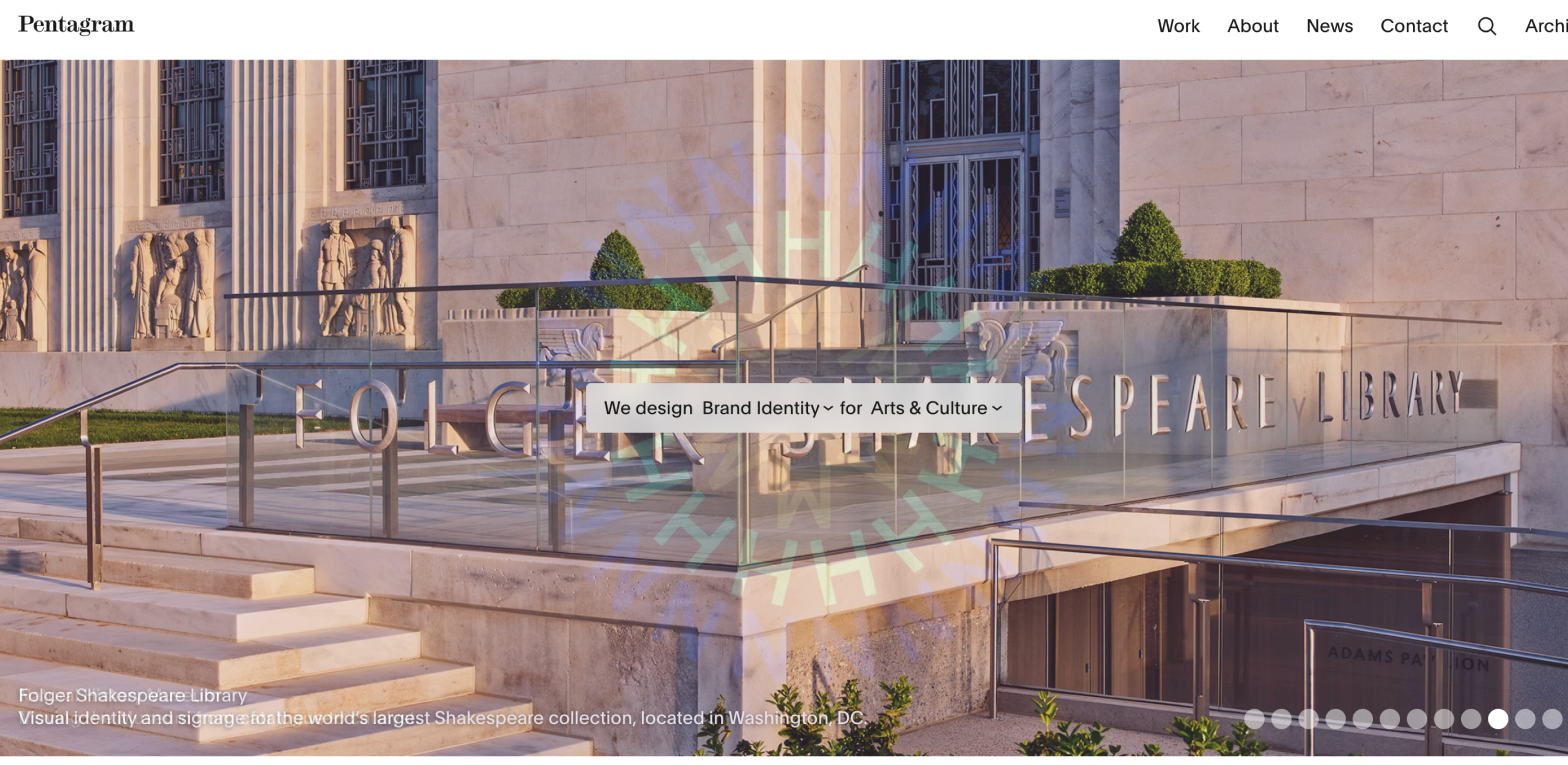
12. Pentagram - One of the world's most respected design firms, and their site is a masterclass in letting work speak. Archive-style project grid, consistent typography, nothing extraneous. Referenced here for what a confident, established creative identity looks like online.
Photography and visual portfolios
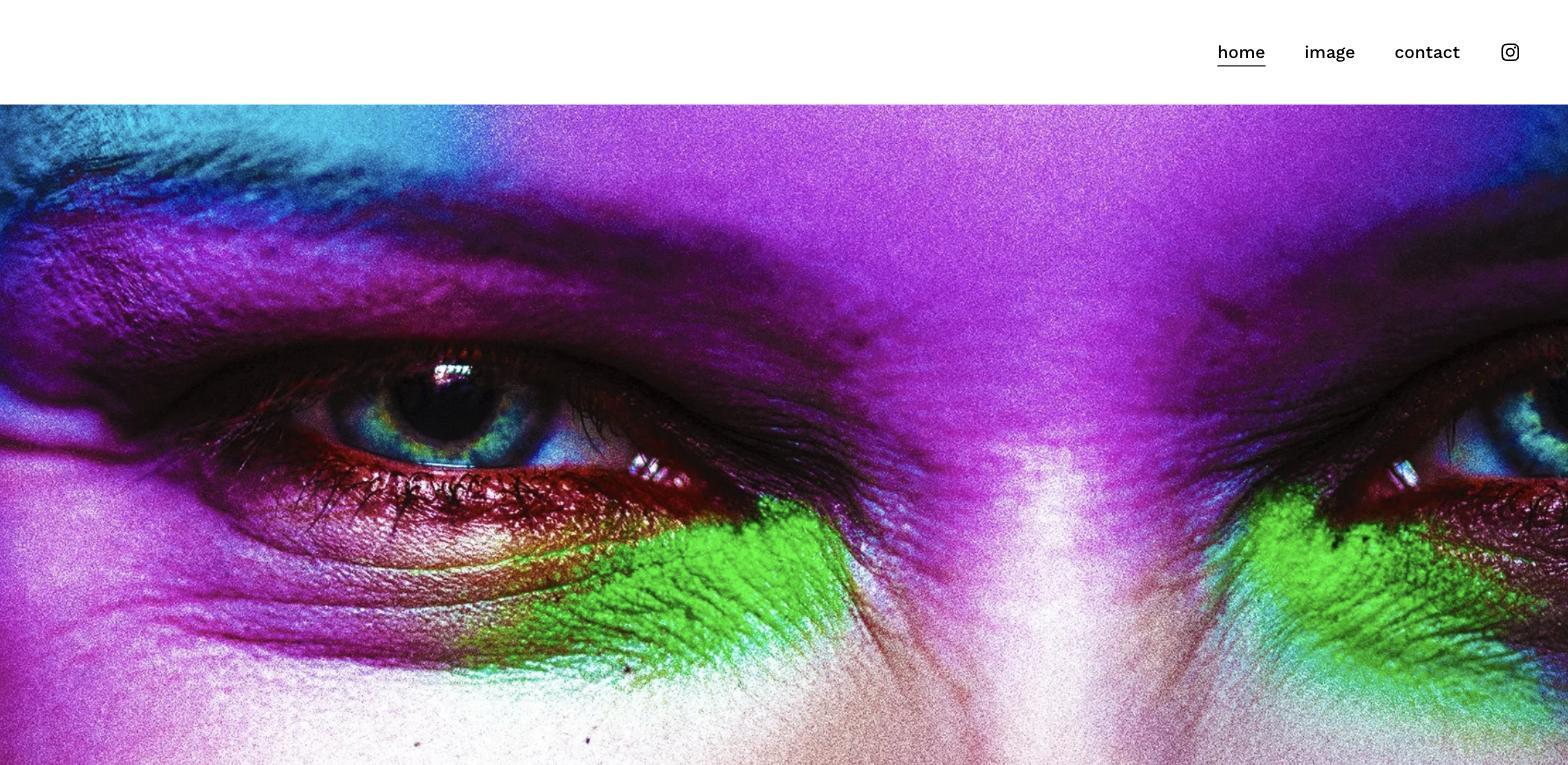
13. Haris Nukem - Portrait and editorial photographer whose portfolio leads with a single, full-bleed image that stops you immediately. The restraint of the navigation (just three links) keeps everything focused on the work, and it shows how strong visuals can carry a single page portfolio when the image quality is high. A strong example of how photography portfolios should commit to a visual tone from the very first pixel and let nothing compete with the images.
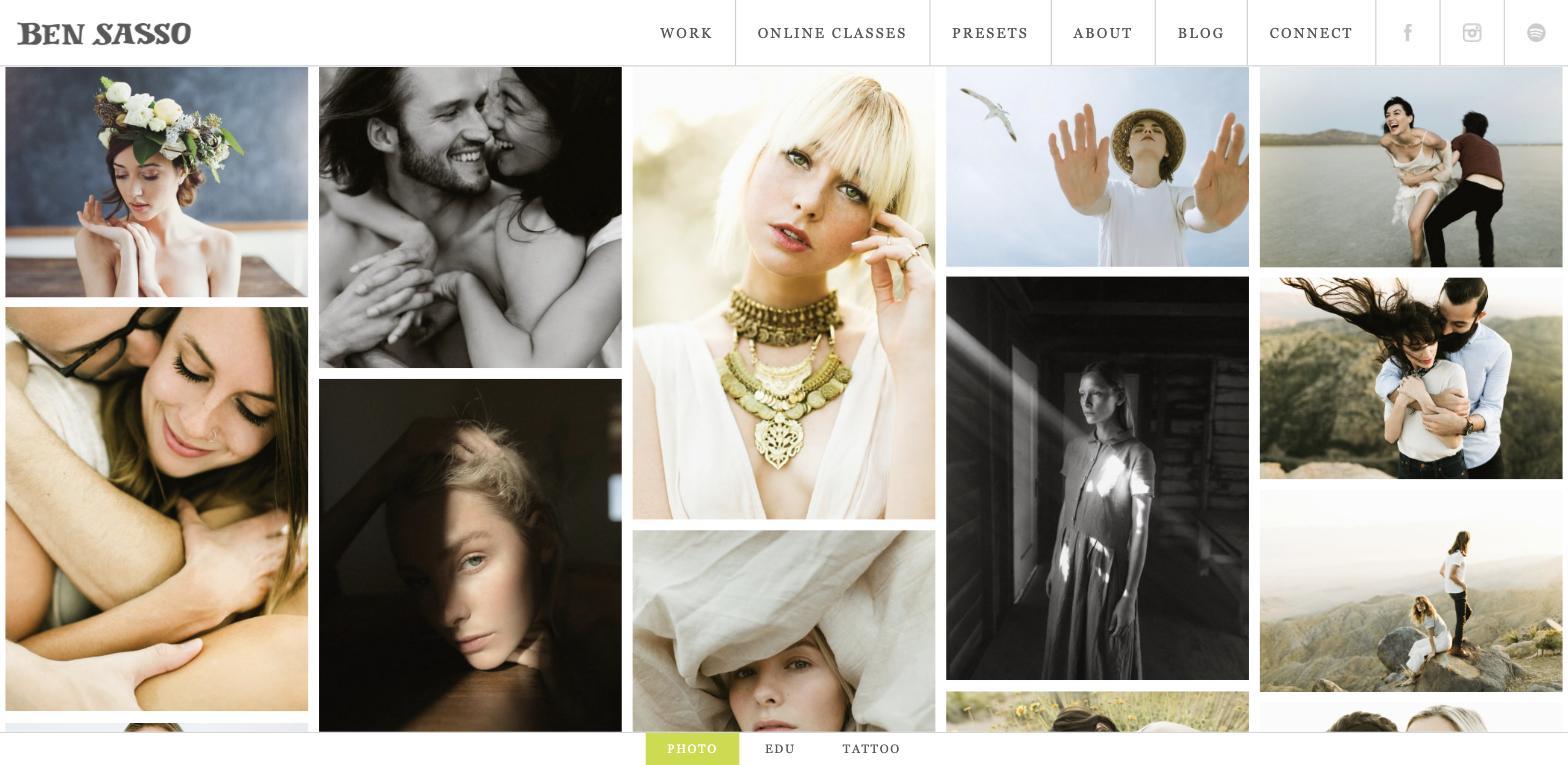
14. Ben Sasso - Lifestyle and portrait photographer using a clean masonry grid to show range while keeping the aesthetic coherent. The work speaks for itself without the site getting in the way. A good benchmark for photographers who shoot across multiple styles and need a layout that organizes breadth without sacrificing editorial quality.
Writers and content strategists
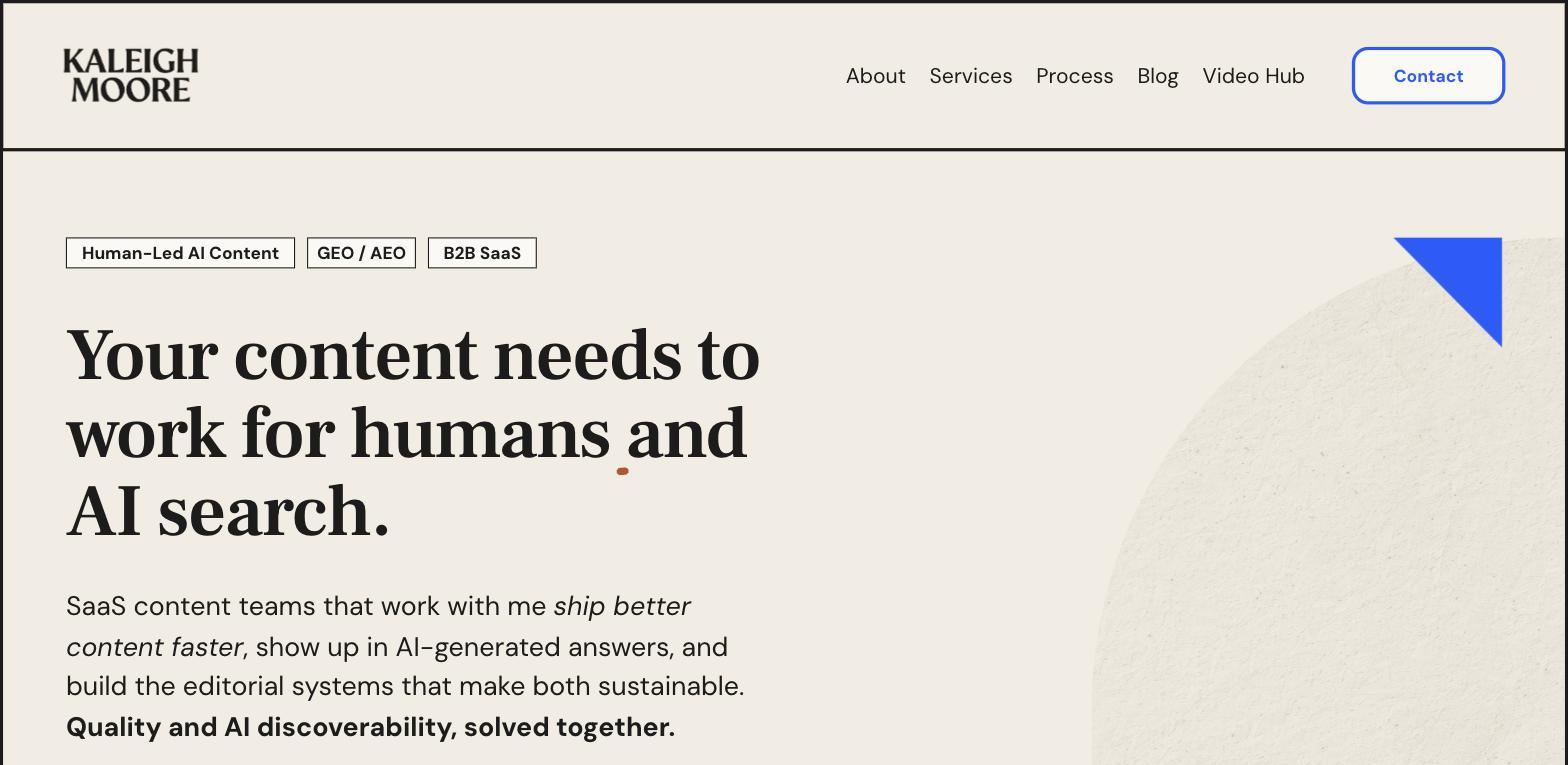
15. Kaleigh Moore - B2B SaaS writer and content strategist whose portfolio site leads with a clear niche statement: "Human-Led AI Content. GEO / AEO. B2B SaaS." The site functions as both a portfolio and a positioning document - every element communicates who she works with and what she does. An excellent example of how a writer's portfolio can do the same filtering work as a designer's: attract the right clients by being specific enough to repel the wrong ones.
How to optimize your online portfolio for search
If you want to drive traffic to your portfolio website, the same search fundamentals apply as with any website.
Use descriptive page titles and meta descriptions. Your homepage title should include your name, your discipline, and optionally your location or specialty. Each project page should have a unique title describing what the project was.
Write text, not just images. Search engines index text. If your case studies are mostly screenshots, add written descriptions of the project, the tools used, and the outcome. This also helps with AI search tools that read and summarize content.
Name your image files descriptively. "brand-identity-design-fintech-startup.jpg" is indexable; "IMG_4829.jpg" is not. Write alt text for every image.
Build backlinks over time. Submit your portfolio to relevant directories (Behance, Dribbble, Awwwards for design; GitHub for development). Share project write-ups on LinkedIn. Getting published in round-up articles - like this one - helps. A blog can also help bring in visitors over time by giving search engines and people more entry points to your portfolio.
Keep the site active. Fresh content signals an active business. Even updating the copy on your homepage once a year helps.
Frequently asked questions
What should I put on my online portfolio?
Include a clear headline describing who you are and what you do, 5-10 selected projects with case study context, a bio, client testimonials if you have them, and a clear way to get in touch. Quality and specificity matter more than volume.
What is the best platform for an online portfolio?
Webflow is the best choice for creative professionals who want full design control and strong SEO performance. Squarespace is a strong alternative for photographers and illustrators who want a polished result quickly. Adobe Portfolio works for existing Creative Cloud subscribers. GitHub Pages suits developer portfolios. The right choice depends on your technical comfort level and how much design customization you need.
How many projects should I include in my online portfolio?
Between 5 and 10 is the right range for most portfolios. Fewer projects forces you to be selective and keeps quality high. More than 10 rarely improves conversion - it just increases cognitive load. Choose projects that represent the type of work you want more of, not everything you've ever done.
Should a portfolio be one page or multiple pages?
One-page portfolios work well for freelancers with a focused offering and a small number of projects. Multi-page portfolios are better for SEO, allow deeper case studies, and scale better as your work grows. A multi-page Webflow site with CMS-powered case study pages gives you both flexibility and discoverability.
How often should I update my online portfolio?
Update it whenever you complete a project you're proud of, and at minimum twice a year. Clients and employers notice when a portfolio looks stale. Search engines favor sites that show recent activity. Treat it like a live document rather than a finished product.
Do I need coding skills to build a portfolio website?
No. Tools like Canva let beginners build and publish a free portfolio website in minutes with drag-and-drop editing, while more advanced builders offer more storage and extra features on paid plans or a custom domain upgrade. Webflow, Squarespace, and similar platforms let you build a professional portfolio without writing code. Webflow specifically gives you near-complete design freedom through a visual interface. If you want to add custom interactions or integrations that go beyond what the platform offers natively, some JavaScript knowledge helps - but it's not required for a great portfolio.