






Hiring a web agency usually happens like this: You have a kickoff meeting. You share your vision. Then, the agency disappears for three weeks. You don't see anything. You don't hear anything. When they finally come back with a link, your heart sinks. The navigation looks clunky. The brand colors are slightly muddy. The vibe just seems off. Now you are stuck in a painful loop of feedback and iterations, trying to fix a website that is already built. It is expensive, it is slow, and it is frustrating.
At Flowout, we do things differently. As a specialized Figma to Webflow agency, we use Figma not just to draw pictures, but to bridge the gap between your brain and the browser. Here is how our process guarantees that the site you get is exactly the site you approved.
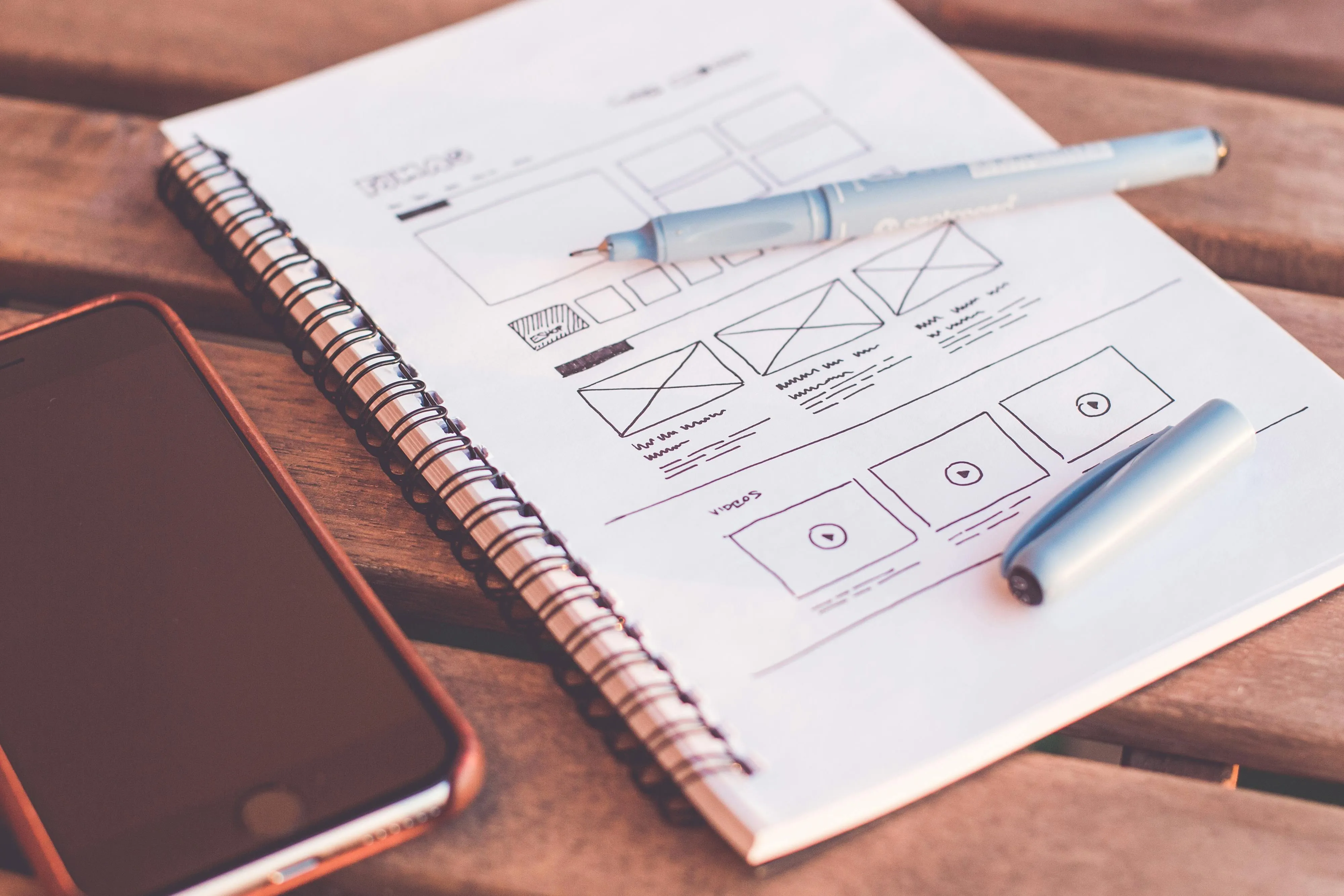
Figma is Our "Truth"
As one of our designers likes to say: "Figma is the best design tool because it also solves the communication problem, not just the visual problem."
In the old days, agencies sent static PDFs or JPEGs to clients. If you wanted a change, you had to write a confusing email: "On page 4, in the second paragraph, can you make that button green?"
We use Figma the same way as Google Docs.
Because Figma is cloud-based, for you, as the client it feels like having a window open into our work at every step. You don't have to wait for a "reveal." You can watch the design evolve.
The Power of Comments
We encourage our clients to use Figma’s comment feature directly on the canvas.
Here’s how this looks in practice:
- You see a headline that feels too aggressive.
- You click on that exact headline and type: "Let's make this softer."
- Our designer sees it instantly, makes the change, and resolves the comment.
This transparency saves you money, time and a lot of frustrating back and forths. It is free to move a pixel in Figma. It is expensive to rewrite code in Webflow. By solving design issues in the comment phase, we also speed up the build phase.
The "Pre-Dev" Setup: How We Prepare Your File
A common mistake some agencies make is treating the Figma file like a rough sketch. They draw it messily, then throw it at a developer who has to guess how to build it.
At Flowout, we treat the Figma file as a blueprint. Before development starts, we do a rigorous setup.
The Styleguide System
We don't just pick colors randomly. We create a dedicated Styleguide page inside Figma that maps 1:1 to Webflow, that includes:
- Typography: We define your H1, H2, H3, and body text sizes for Desktop, Tablet, and Mobile.
- Global Colors: We define your specific hex codes as "Variables."
- Spacing System: We define exactly how much space goes between sections (e.g., 80px vs 120px).
Why is this important for you? Imagine you want to change your brand’s primary blue color six months from now. Because we set it up as a Global Variable in Figma and mirrored it in Webflow, we can change it in one place, and it updates across the entire website instantly. If we hadn't done this prep work, we would have to manually find and fix every blue button on the site.
Asset Organization
There is nothing worse than a website with blurry icons or slow-loading images. This usually happens because the assets weren't prepped correctly in Figma.
Our designers act as the quality control layer before code begins:
- Vector Flattening: If you have a complex logo with 50 layers, we flatten it into a clean SVG. This ensures it doesn't break or look weird when resized in the browser.
- Image Compression: We organize images into folders and ensure they are the right aspect ratio. The developer just needs to compress them, so they don’t slow down the page and affect the SEO.
This technical preparation is invisible to you, but it’s the reason our sites score high on Google PageSpeed.
The Double-Check Handoff

Because we are a full-service Figma to Webflow agency, the designer and the developer are on the same team. They know how each of them works, they are in constant communication.
When the design is finished, we don't just email a link to the developer, we do a handover.
There are some cases when a designer for example creates a team card that flips over when you hover your mouse over it to reveal the person's email address.
A developer might miss this hidden state and just build a static card.
During the handover, the designer walks the developer through the interaction: "Hey, note that this card needs a 3D transform on hover." They provide the specific animation curves (easing) used in the prototype so the developer can replicate it perfectly in Webflow interactions.
The developer knows exactly what to build because the file was set up for them.
Why This Process Works
When it comes to Figma to Webflow agency, you aren't just paying for code. You are paying for a smooth flow and a predictable result.
By using Figma as a collaborative hub, with organized assets, clear style guides, and transparent commenting, we remove the risk.
- You save time: No long email chains deciphering feedback.
- You save money: No "Change Orders" to fix code that should have been fixed in design.
- You get quality: The final site matches the vision perfectly.
Ready to start? Whether you have a messy Figma file that needs cleaning, or you need a team to design and build from scratch, we have the process to handle it.
Frequently Asked Questions
Do I have to wait until the design phase is finished to see the work?
No, we treat Figma like a window into our studio. Because it is cloud-based, you have 24/7 access to watch the design evolve in real-time.
How do I provide feedback on the design?
We use Figma’s comment feature (similar to Google Docs). If you see a headline that needs tweaking or a color you want swapped, you simply click on that exact element in the design and type your feedback. Our designers see it instantly, resolve it, and move on. This prevents version-control nightmares and saves hours of back-and-forth.
Why is the "Pre-Dev" setup in Figma so important?
Think of the Figma file as the blueprint for your house. If the blueprint is messy, the house will be unstable. We create a strict Styleguide System defining your typography, spacing, and global colors (variables). This means if you want to change your brand color six months from now, we can update it in one place, and it ripples across the whole site instantly, saving you significant money on future maintenance.