


Tired of watching your site load in slow motion?
Speed issues don't just hurt user experience - they kill conversions and tank your SEO. If your website lags, visitors will bounce before they ever see it.
This checklist gives you a proven expert framework to figure out what's slowing your site down, fix it step by step and finally get the lightning-fast performance.

You've tried it all, but performance still sucks.
Speed issues don't just hurt user experience - they kill conversions and tank your SEO. If your website lags, visitors will bounce before they ever see it.
This checklist gives you a proven expert framework to figure out what's slowing your site down, fix it step by step and finally get the lightning-fast performance.

What to expect?
Chapter
1
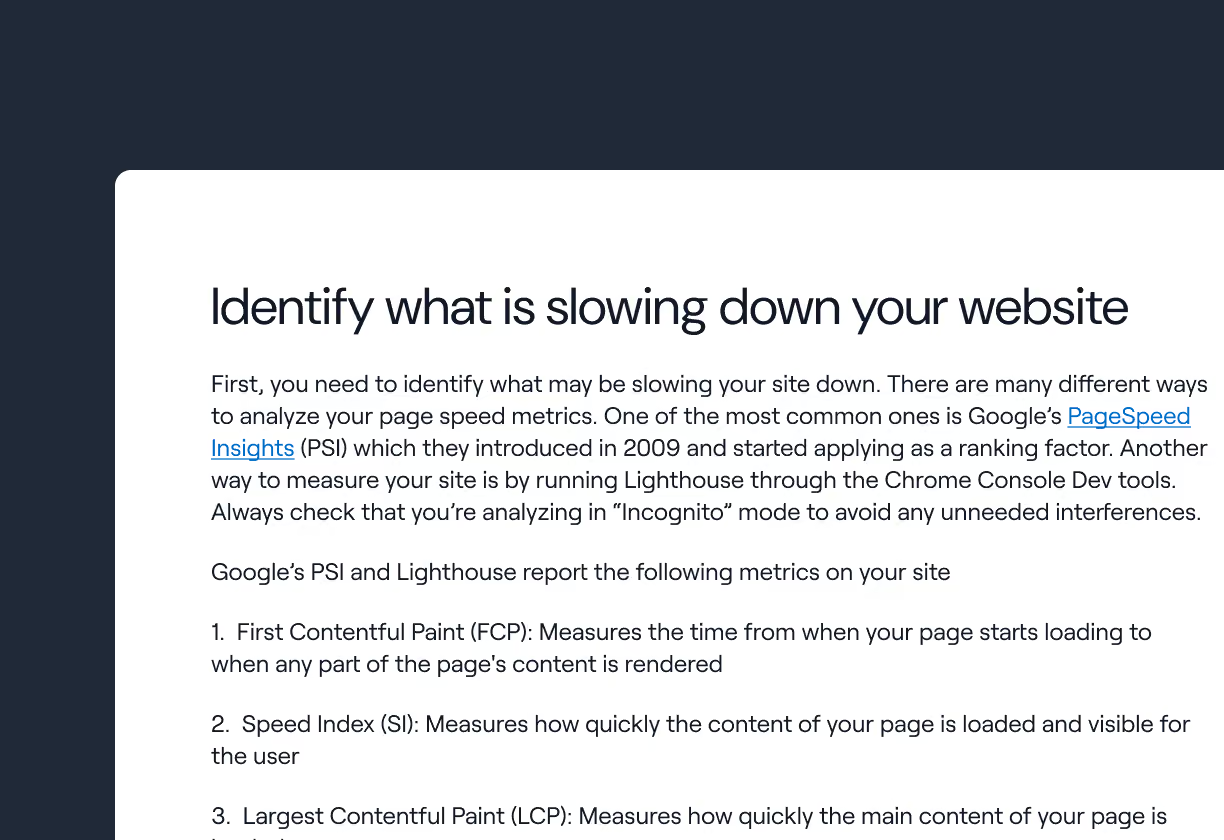
Identify issues
Before you fix anything, you need to know what's broken - learn how to use tools to get deep insights.
Chapter
2
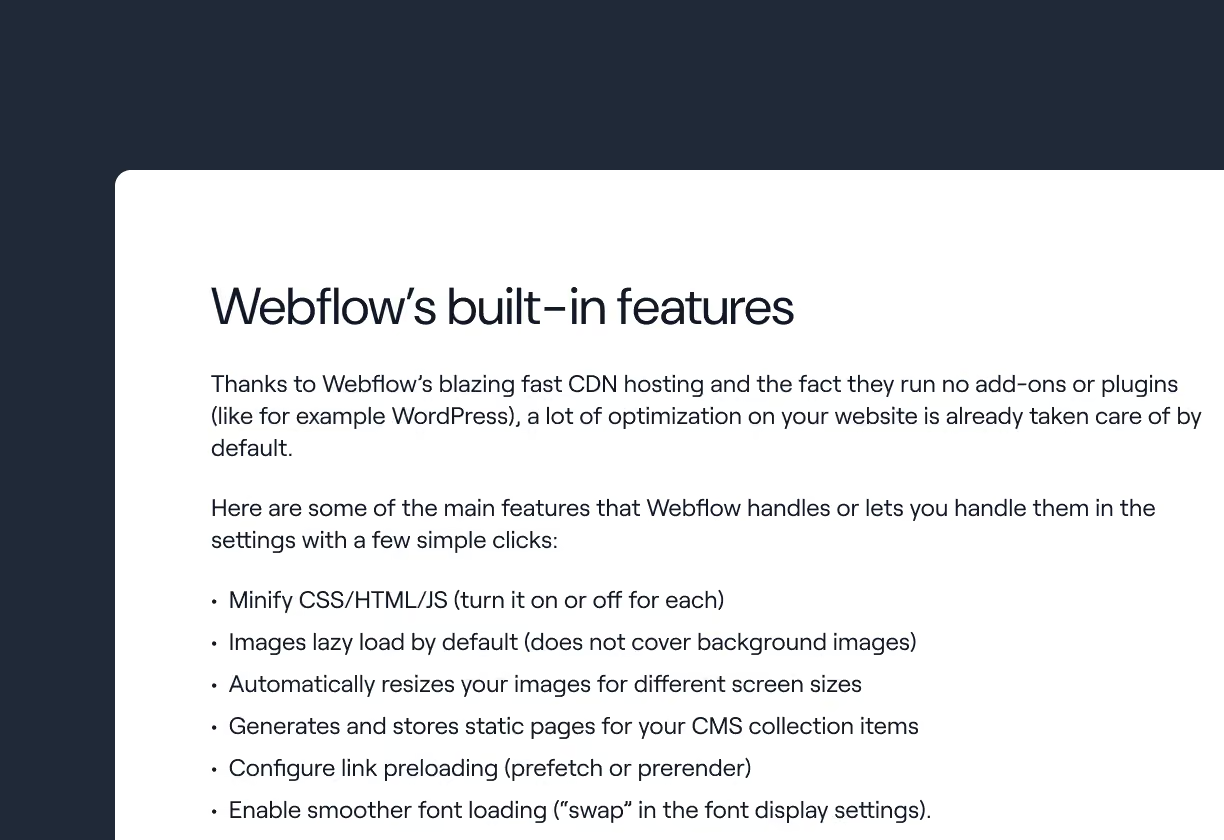
Built-in features
Webflow already does a lot of heavy lifting for you, from minifying code to lazy-loading images.
Chapter
3
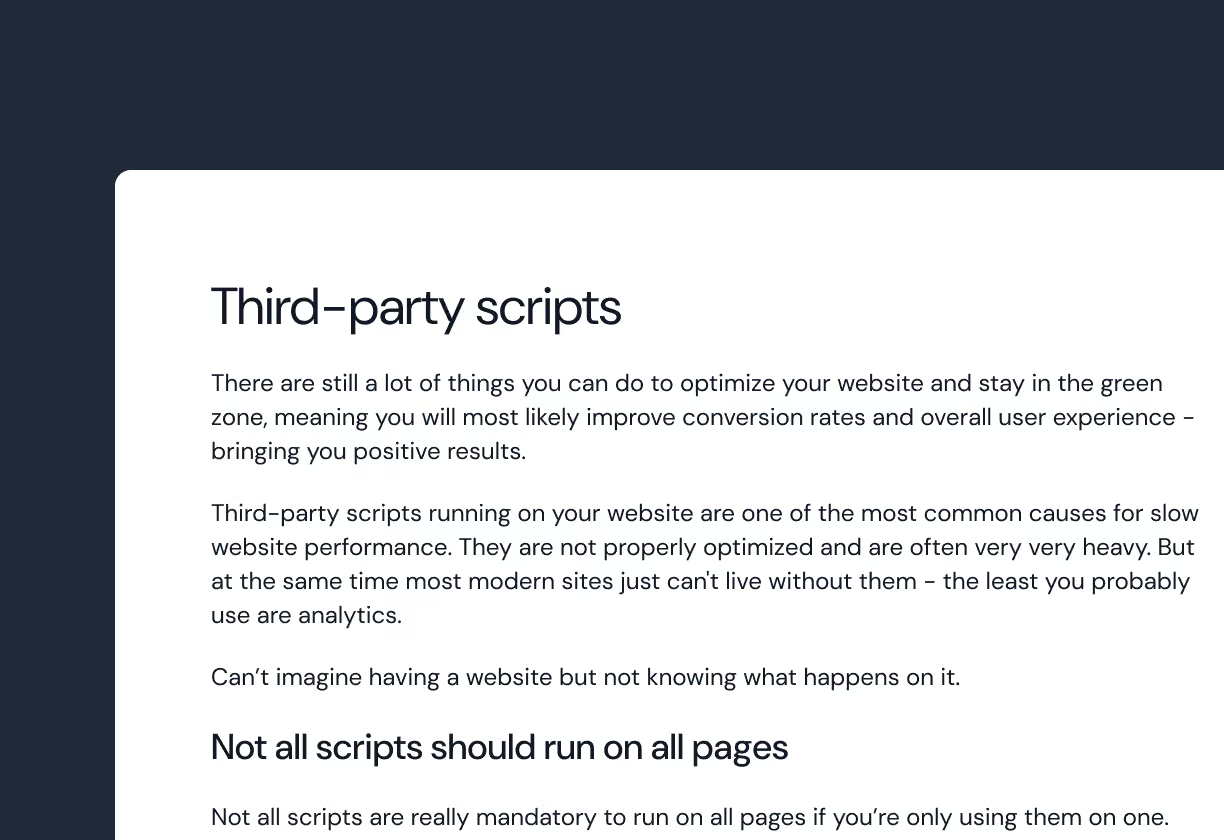
Scripts
Third-party scripts are one of the biggest reasons for slow websites - most of them are not optimized.

Chapter
4
Images
Even with built-in compression, large image files or wrong formats can cripple performance.

Chapter
5
Fonts
Fonts may seem harmless, but loading too many or not optimizing them can be a silent killer of your site.

Chapter
6
Videos
Videos can cause slow page loads. Random embeds are heavy, clunky and will easily kill performance.
Chapter
7
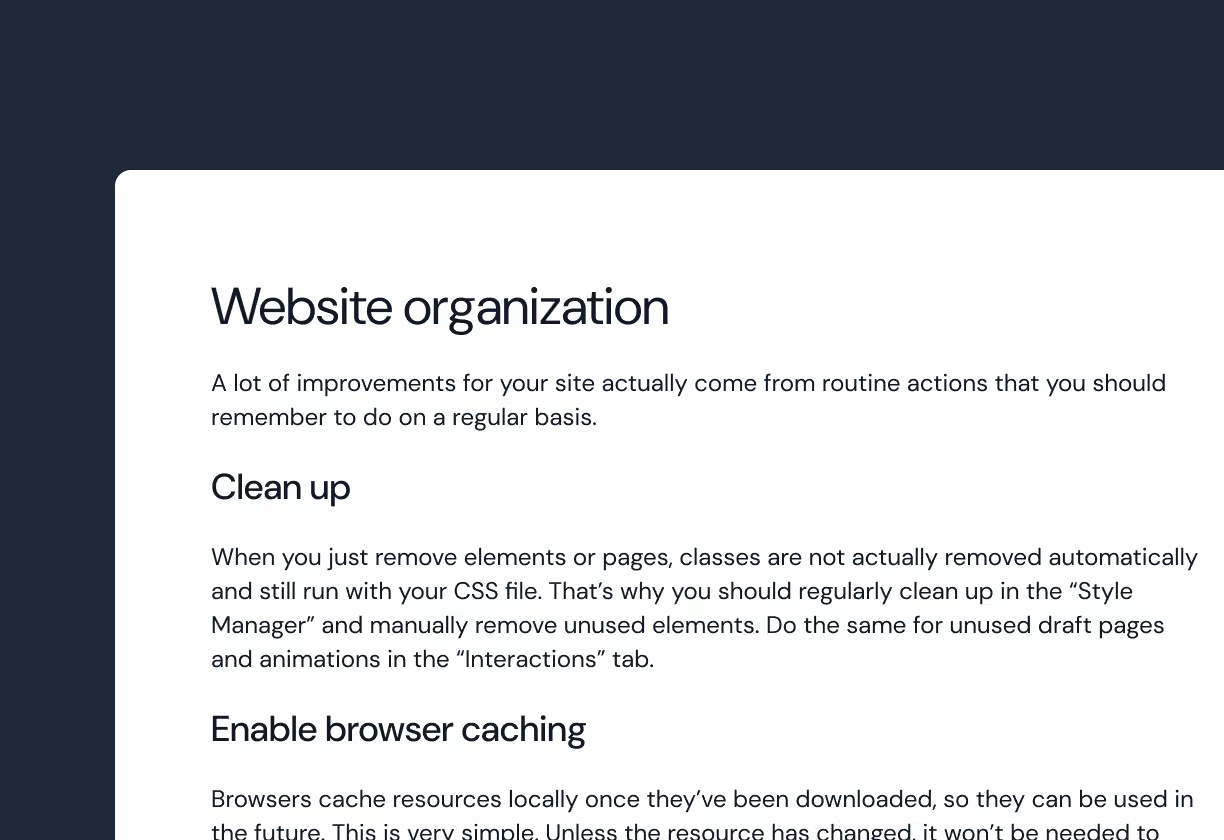
Site organization
Messy projects with unused classes, old animations, abandoned pages all lead to slow websites.
Chapter
8
Recommendations
Practical tips and hacks you can apply across your whole site for quick wins and long-term gains.