





Most "best Webflow templates" lists are just the first 20 results from the Webflow marketplace with a screenshot stapled to each one. Not much editorial opinion involved.
This one is different. We've built 490+ Webflow sites at Flowout. We know which templates are genuinely well-structured, which ones look great in the preview but fall apart when you try to customise them, and which are worth paying for versus the free alternatives that do the same job.
The 20 templates below are organised by use case - not arbitrary ranking, not just free-vs-paid. Find your use case, pick the right template, and get building. If your needs are more complex than any template can handle, our free template library has 80+ options - or talk to our team about a custom build.
What Makes a Webflow Template Worth Using
Before the list: three things to look for that separate a good template from a time sink.
Clean class naming. The best templates use a consistent CSS naming convention - Client-First, BEM, or similar. This makes customisation safe. You can change a button colour globally in one place instead of hunting through 40 different elements. Templates without a naming system become a mess the moment you try to make them your own.
A dedicated style guide page. Good templates include a page that centralises typography, colours, buttons, and spacing. You update the style guide, the whole site updates. This saves hours.
CMS-readiness where it matters. For blogs, portfolios, or any page type you'll update regularly, the template should use Webflow's CMS - not static pages you have to duplicate manually. Anything with "dynamic" in the feature list is worth prioritising.
Best Webflow Templates for SaaS and Startup Landing Pages
Crystal - Free
Our most popular free template. Crystal is a conversion-focused landing page built specifically to get a new product or idea in front of its first customers. The design is clean, modern, and opinionated - clear value proposition, social proof section, and a lead capture form that doesn't overcomplicate things.
It's built with clean class naming throughout, so you can restyle it to your brand in under an hour. If you're a founder or marketing lead launching a new product and you need something live by next week - start here.
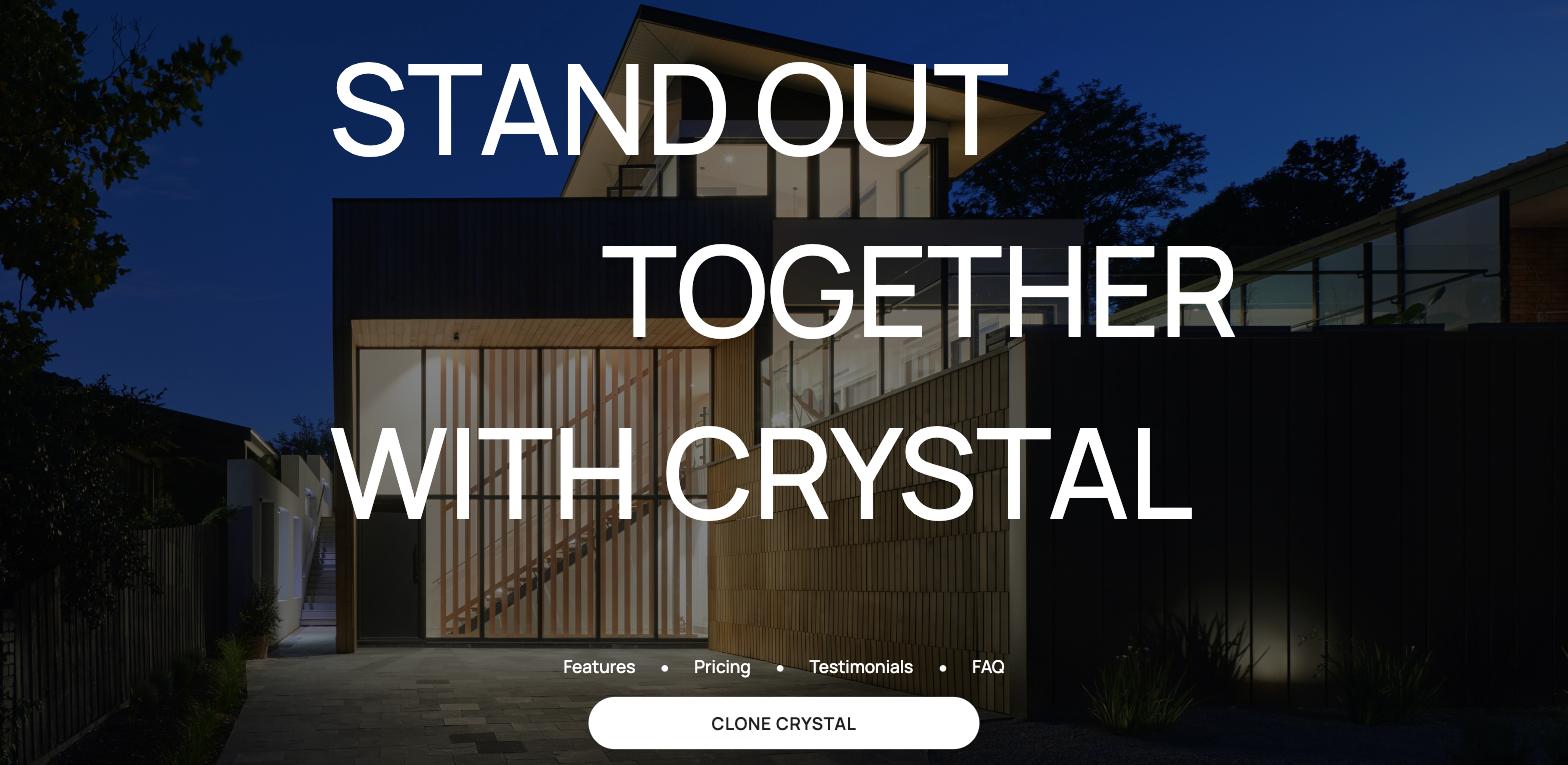
Best for: Pre-launch, MVP landing pages, simple SaaS one-pagers Price: Free
Saturn - Free
Where Crystal is generalist, Saturn is purpose-built for SaaS. The layout was designed after extensive research into top-performing SaaS marketing pages - it follows the hero → benefits → social proof → pricing → CTA structure that converts.
Saturn is a single-page template by default but is built to scale: the class structure is clean (Client-First naming), the spacing system is consistent, and extending it to a full site with about us, pricing, and case study pages is straightforward. It also suits a webflow beginner who wants a professional launch without much setup. If you're building a Webflow SaaS site and want a proven starting point, Saturn is the one.

Best for: SaaS marketing sites, startup product pages Price: Free
Module - Free
Module is a startup-focused landing page that earns its place on this list for its scalability. It's retina-ready, responsive across all breakpoints, and built with a clear, extendable class system - which means it works as a starting point for a site that needs to grow, not just a one-off launch page.
The built-in style guide and component library make rebranding fast. A good choice if you're a lean team that needs a professional result without developer hours.
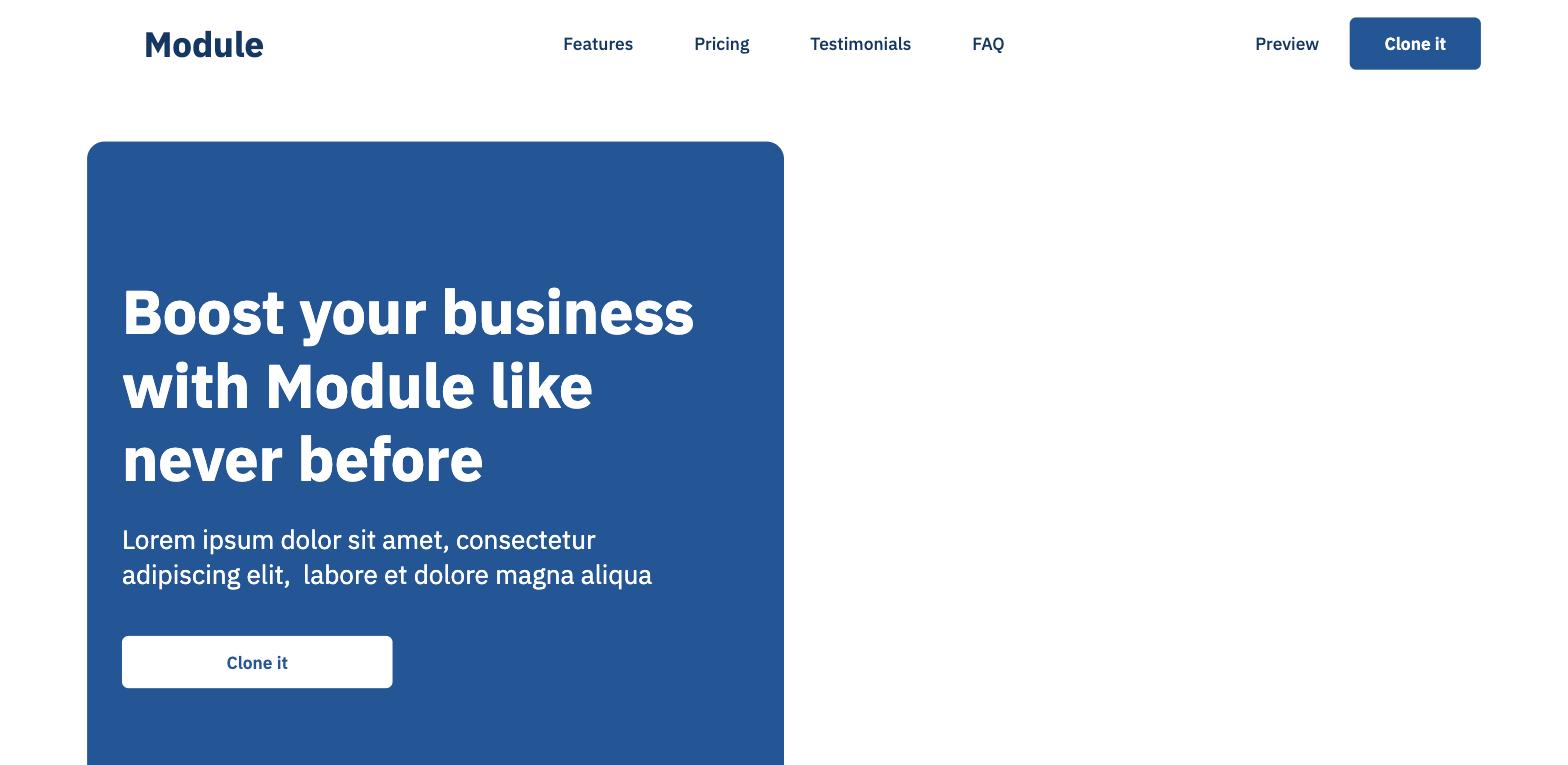
Best for: Startups, tech products, teams launching fast Price: Free
Leaf - Free
Leaf is the template to pick when you don't have a specific industry or style in mind - it's a general-purpose landing page that works across B2B, B2C, services, and products. Every element is customisable, the structure is sensible, and it benchmarks landing page best practices without being too opinionated about the sector.
If you've tried other templates and found them too niche, Leaf is the blank-but-structured starting point you're looking for.
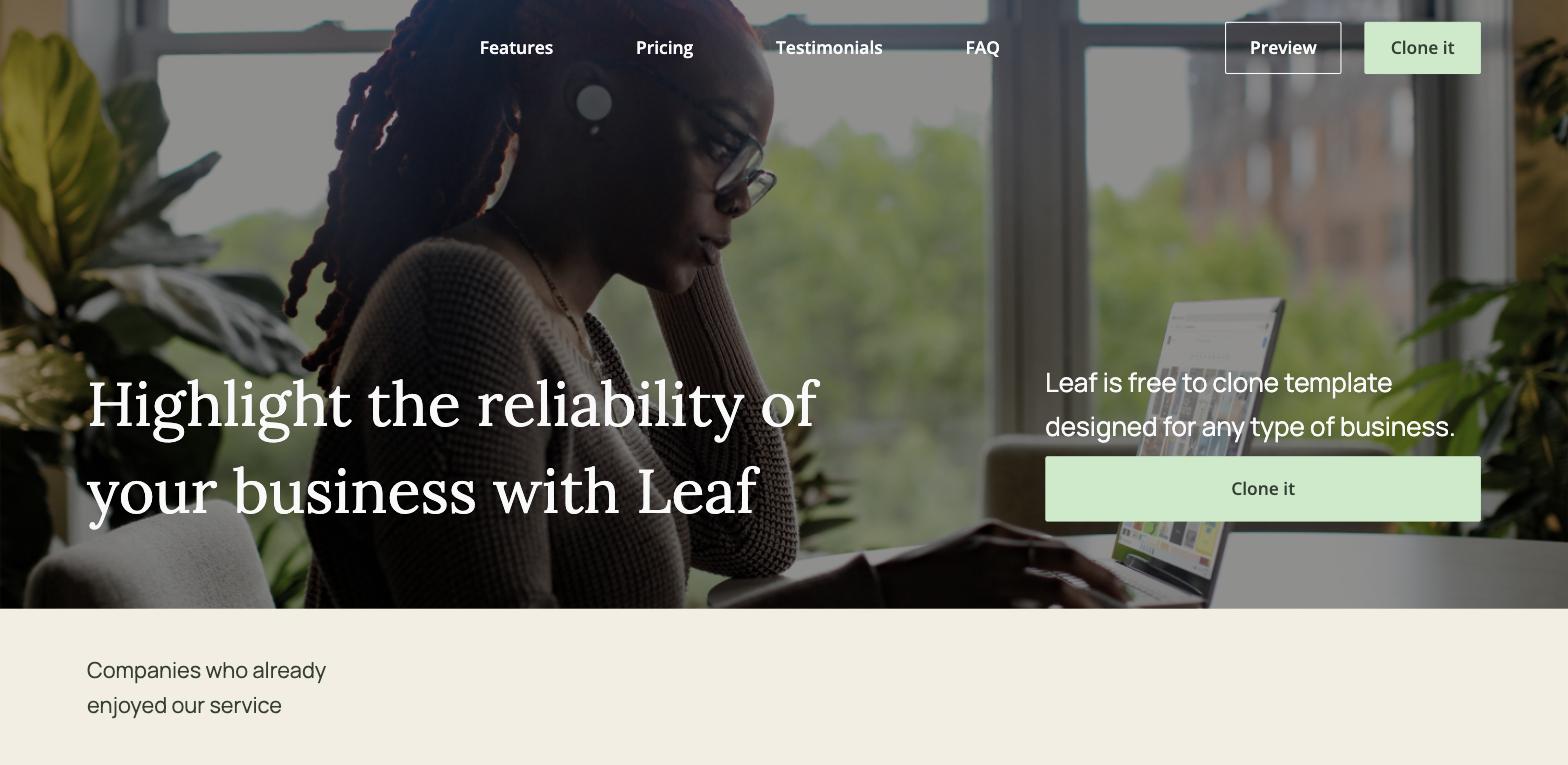
Best for: General-purpose landing pages, early-stage companies, flexible use cases Price: Free
Best Webflow Templates for Mobile Apps
Layer - Free
Layer is the template we built specifically for mobile app marketing pages. The design is bold and dynamic - it communicates product energy without relying on screenshots of a half-finished app. It's responsive and includes sections for features, testimonials, and a download CTA.
For teams launching a consumer or B2B mobile product who need a credible web presence quickly, Layer gives you the structure without requiring a designer. It pairs well with a Lottie animations layer if you want to animate the app preview sections.
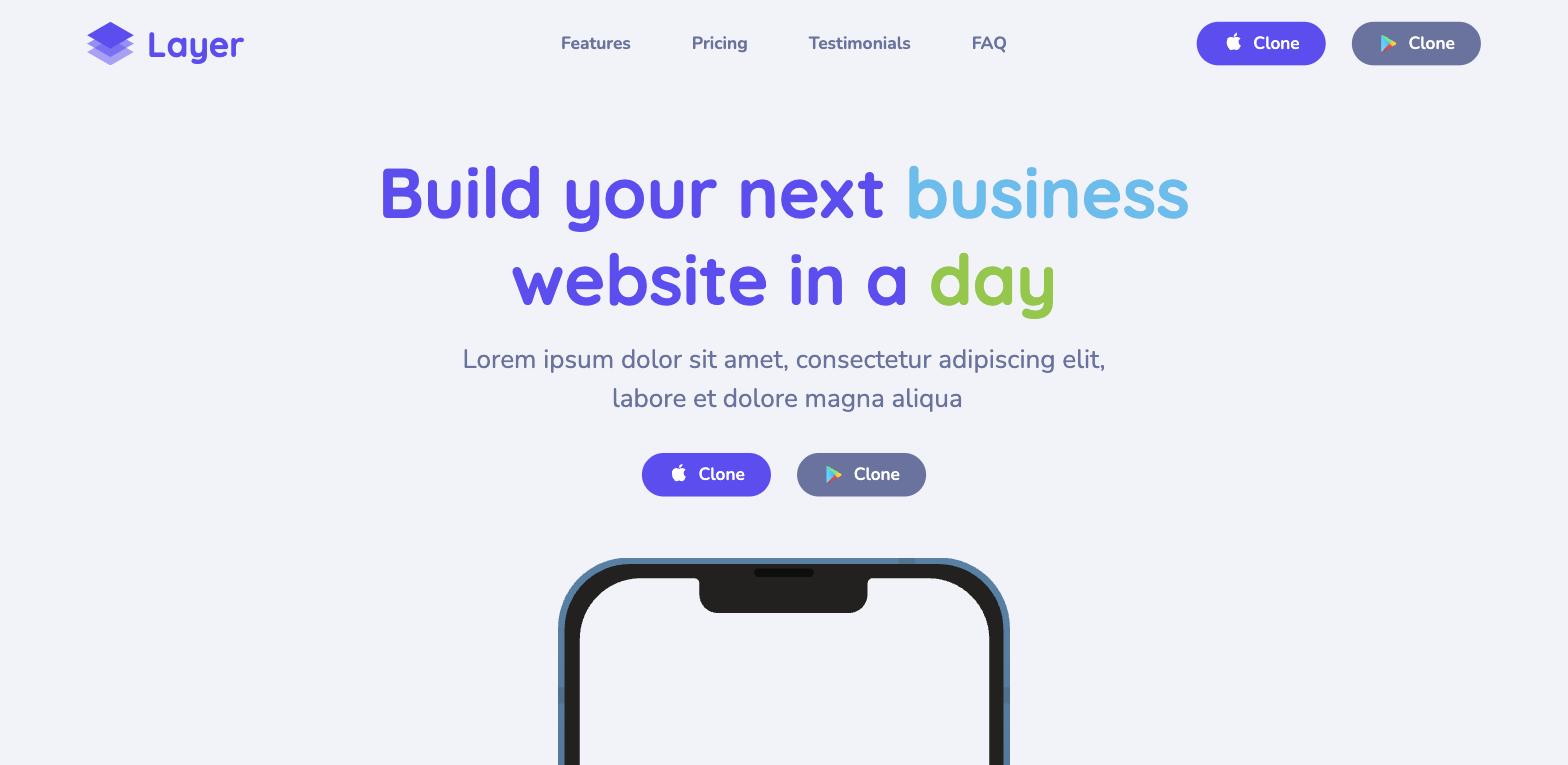
Best for: Mobile app marketing pages, product launches Price: Free
Best Webflow Templates for Education and Courses
Coursy - Free
Coursy is a warm, welcoming landing page built for online courses, coaching products, and education platforms. The colour palette is bright without being overwhelming, and the layout guides visitors from value proposition to social proof to enrolment CTA in a natural flow.
The free component library makes it easy to add sections without breaking the design system. If you're an independent educator, course creator, or EdTech product launching a single course or a programme - Coursy gets you live fast.
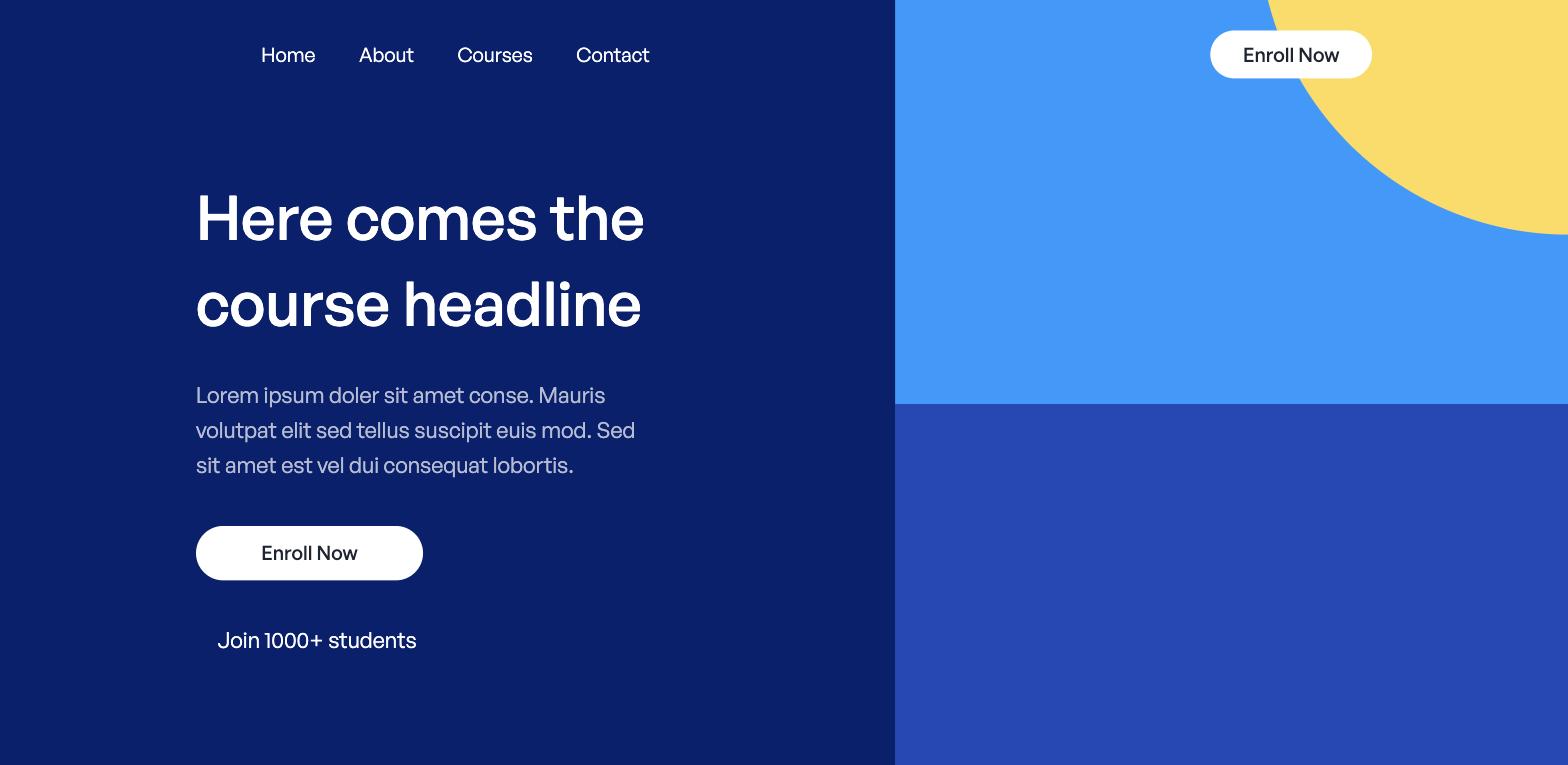
Best for: Online courses, coaching, education platforms, EdTech Price: Free
Best Webflow Templates for Blogs and Content Sites
Adventure Blog - Free
There are a lot of mediocre blog templates in Webflow. Adventure Blog stands out as a beautiful blog template because it treats content as the actual design element - articles, photography, and editorial layout get proper visual weight rather than being poured into a generic white container.
It's CMS-ready, with structured collections for posts and categories. The visual style leans editorial and outdoorsy, which makes it perfect for travel, lifestyle, and passion-project blogs. For a more corporate content strategy, you'd likely need to restyle it significantly - but the underlying structure is solid for any content-heavy site.
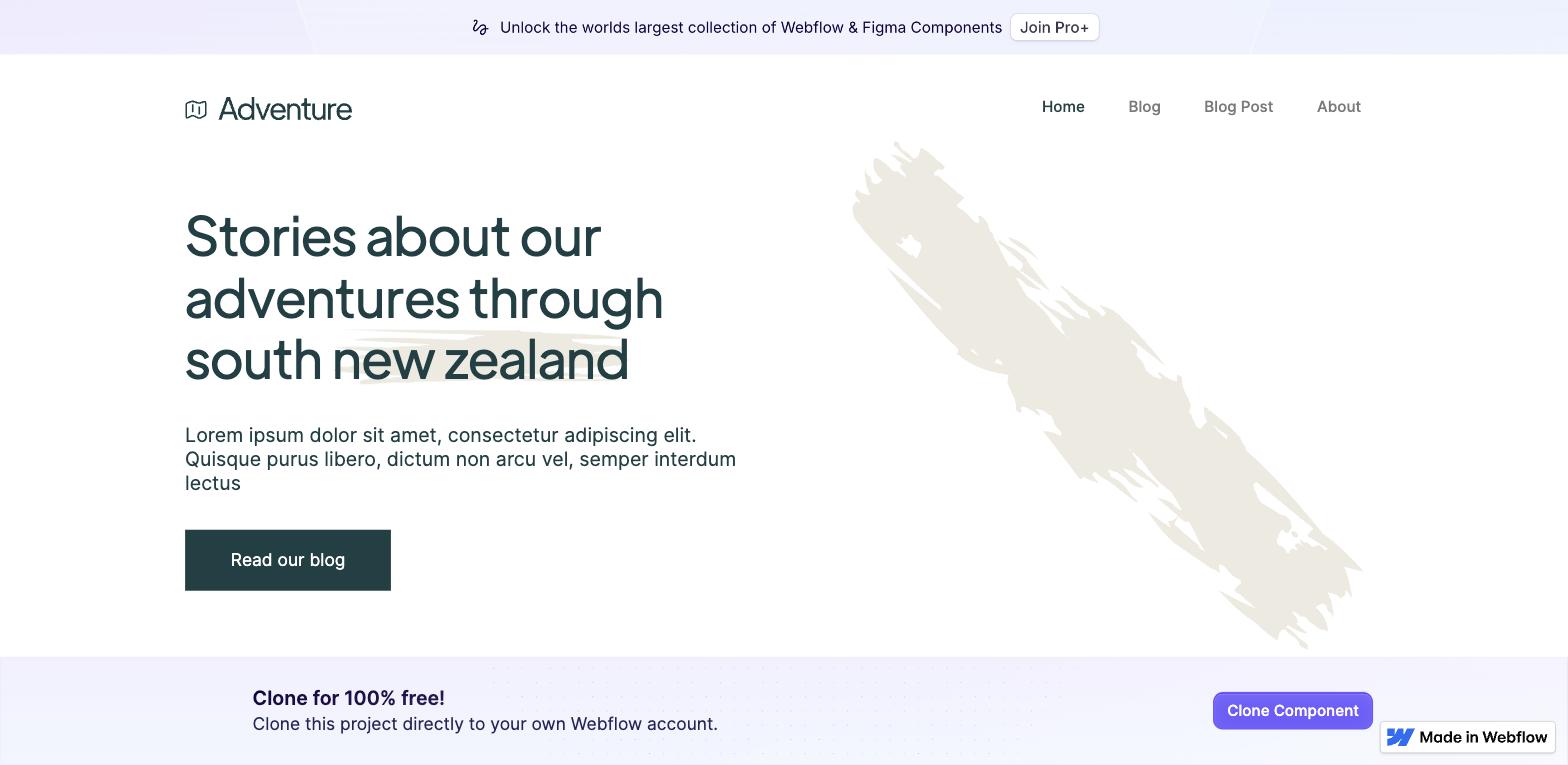
Best for: Editorial blogs, travel, lifestyle, content-led brands Price: Free
Best Webflow Templates for Ecommerce
Luma - Free
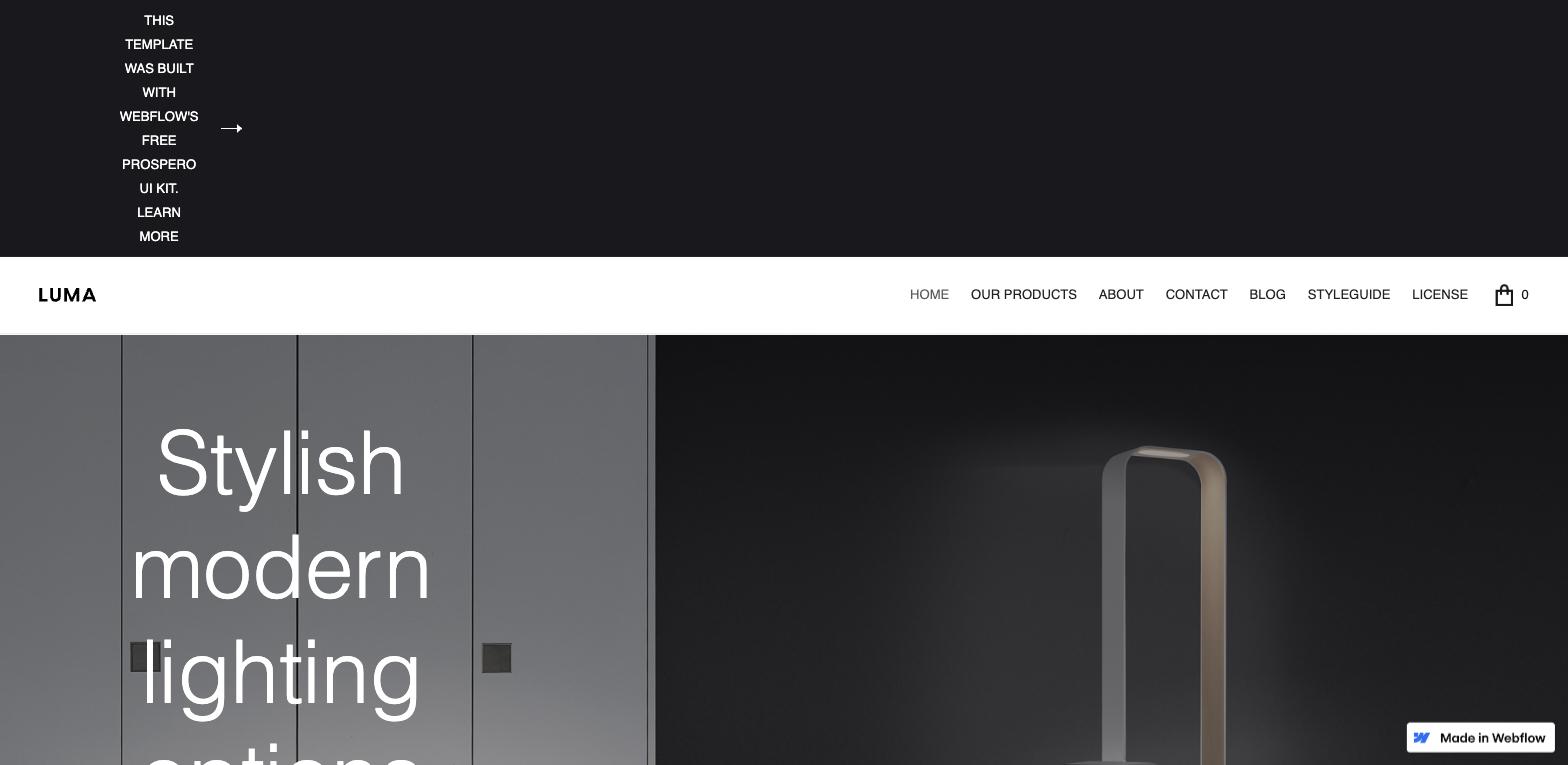
Luma is the strongest free Webflow ecommerce template available. Other worthwhile ecommerce options include MODULAR, a full Webflow Ecommerce template with product pages. It includes a Dynamic CMS with product pages pre-built, a cart, and checkout - you import your products and you're ready to sell. The design is clean retail, not fashion-editorial, which means it works across a wide range of product categories without modification. Halal Lab is a stronger fit if you want a more colorful homepage for an online store.
The template also includes a blog section, which matters for SEO: product-only ecommerce sites are hard to rank without supporting content. Salma is another option if you need multiple page layouts for an ecommerce website. Luma gives you both in one template.
Best for: Retail ecommerce, product brands, online stores Price: Free
Best Webflow Templates for Restaurants and Food
Chomp - Free
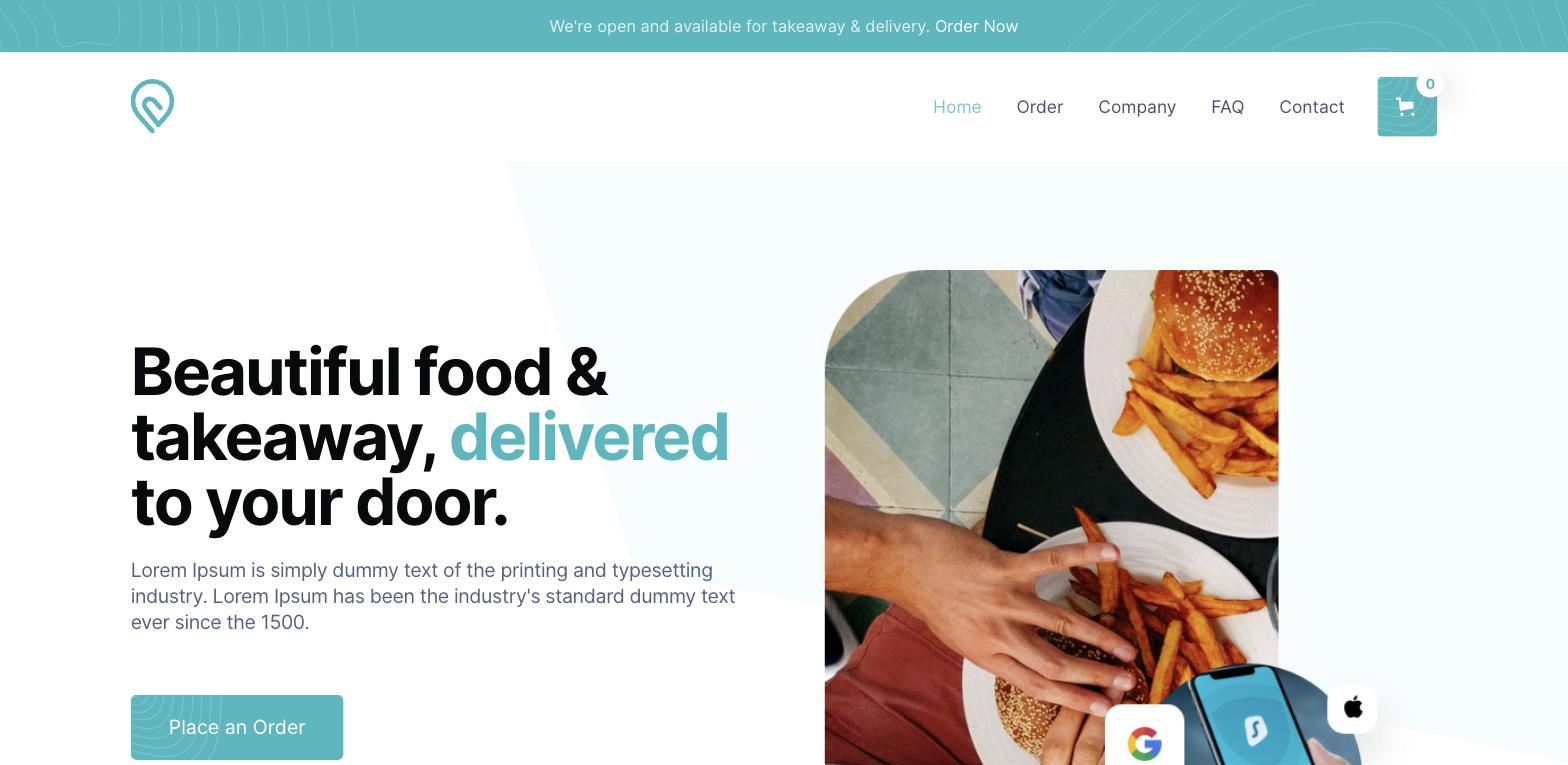
Chomp is the best free template for food delivery and restaurant brands. It's SEO-optimised out of the box, meaning it's also seo optimized for stronger search visibility, has a menu layout built in, and the visual design communicates appetite and energy without feeling like every other food template on the market.
The ecommerce functionality handles online ordering, and the CMS manages menu items and categories dynamically. For a food delivery startup or local restaurant going online for the first time, Chomp is a complete starting point.
Best for: Food delivery, casual dining, restaurant online ordering Price: Free
Client-First Restaurant Template - Free
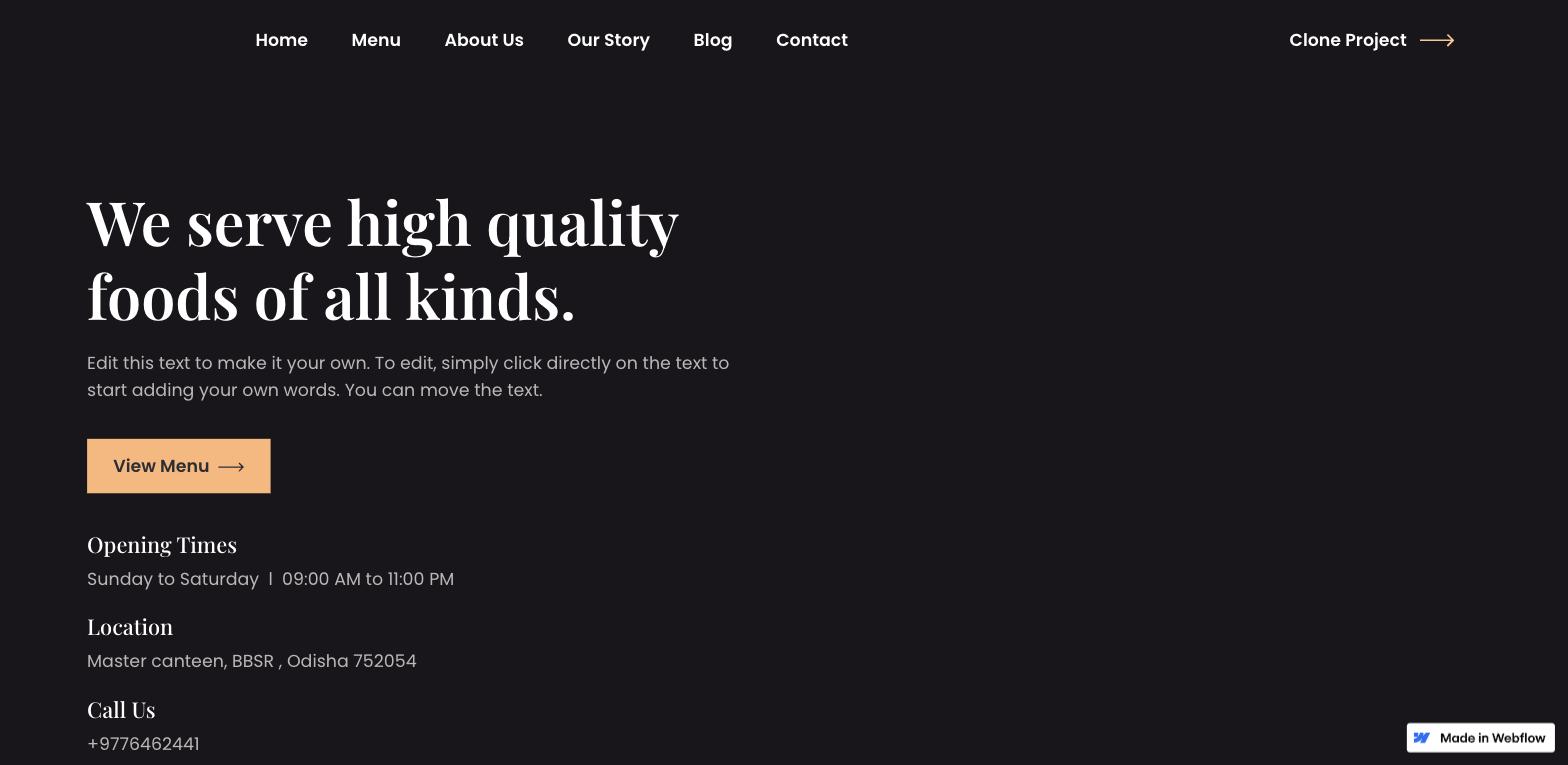
This template from Finsweet is built on the Client-First naming system - arguably the most widely adopted CSS naming convention in the Webflow community. What that means practically: it's easy to hand off to any Webflow developer, easy to extend without creating naming conflicts, and easy to maintain long-term.
Seven static pages and two CMS pages are included, all with an open-source design licence. If you're building a site you plan to hand to a developer later, or you're a developer yourself who wants a well-structured base - this is the right pick.
Best for: Restaurant sites built for developer handoff, teams using Client-First Price: Free
Ember - $34
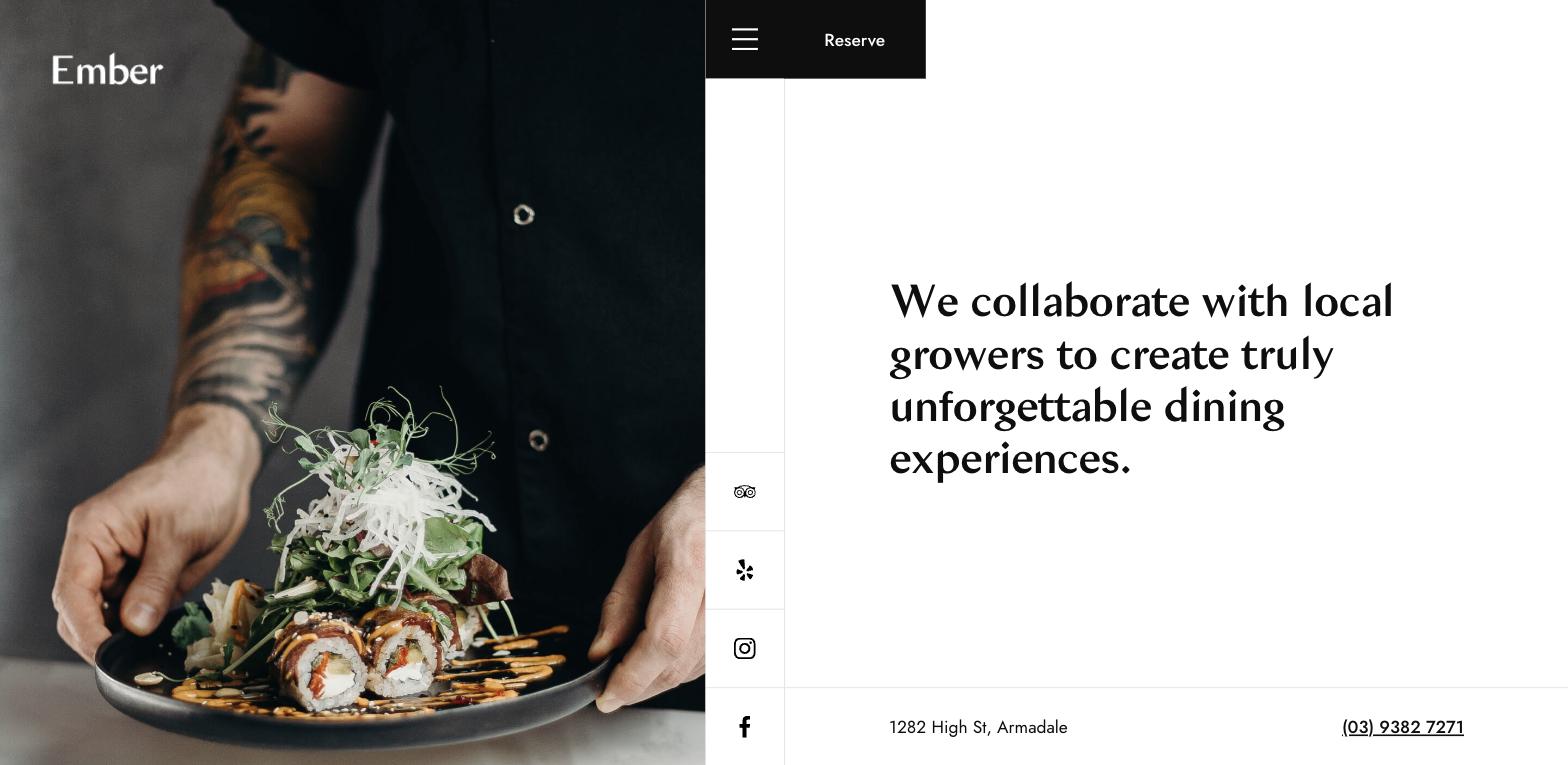
Where Chomp is casual dining energy, Ember is fine dining. The template communicates elegance from the first scroll - deep colours, refined typography, restrained use of animation. It includes a restaurant menu layout, a reservation form, and a contact page with map integration.
For a high-end restaurant, hotel restaurant, or hospitality brand that can't afford to look like a $79 Squarespace site, Ember is the right level of quality at a very low price point.
Best for: Fine dining, hotel restaurants, premium hospitality brands Price: $34
Best Webflow Templates for Agencies and Portfolios
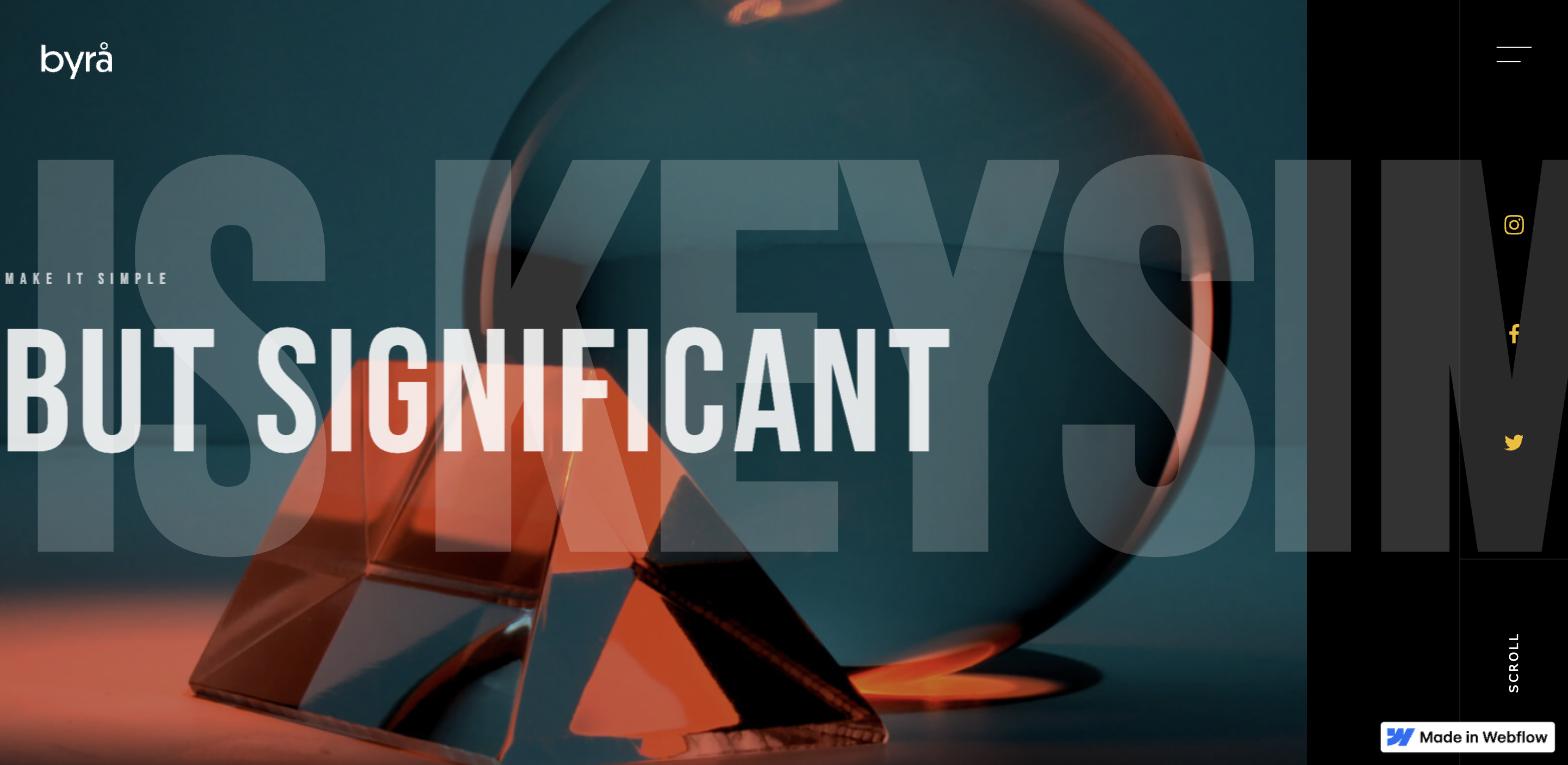
Byrå - $24
Byrå (Swedish for "agency") is a strong starting point for creative agencies, design studios, and photographers. It's retina-ready, includes working contact forms, sticky scroll interactions, and - importantly - clean semantic HTML that won't punish you when you try to customize it.
Browser compatibility is solid across the board, which matters for client sites that need to hold up in edge cases. At $24, it's one of the most cost-effective paid templates on this list.
Best for: Design agencies, creative studios, photographers Price: $24
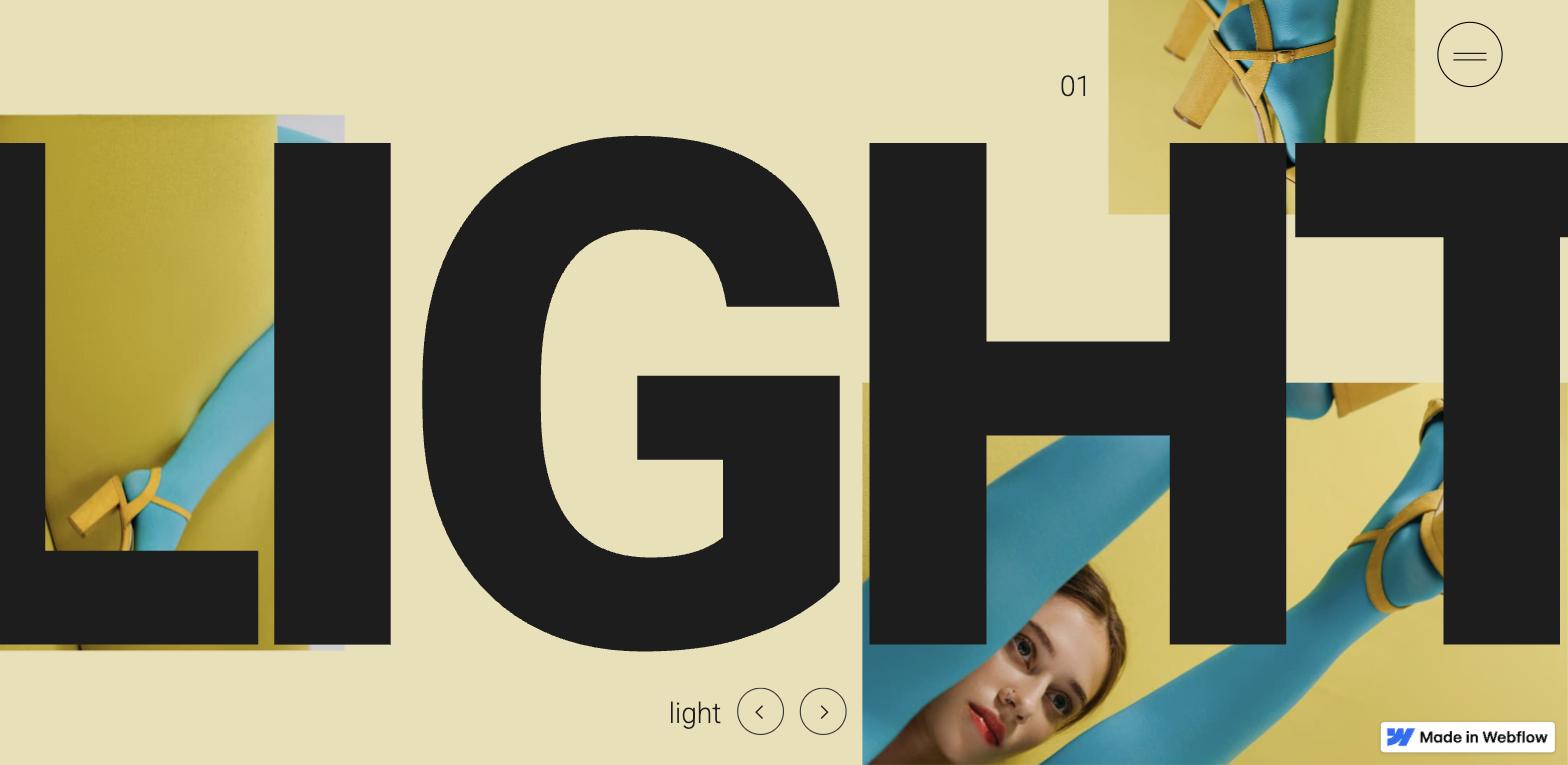
Reflex - $24
Reflex is a portfolio template that punches above its price point. Myfolio is another option among premium webflow templates for a creative portfolio, with a polished presentation that suits professional work. The modern, sleek design includes scroll-triggered interactions and animations that make a portfolio feel premium without requiring any custom code. Working contact forms are included out of the box.
It's flexible enough across industries - designers, developers, and consultants have all used it effectively. Helen is a versatile one-page portfolio template for freelancers who want something lighter than Reflex. If you're building your own portfolio and don't want to spend $79–$149 on a template, Reflex is the best value in the category.
Best for: Designer and developer portfolios, freelancers Price: $24
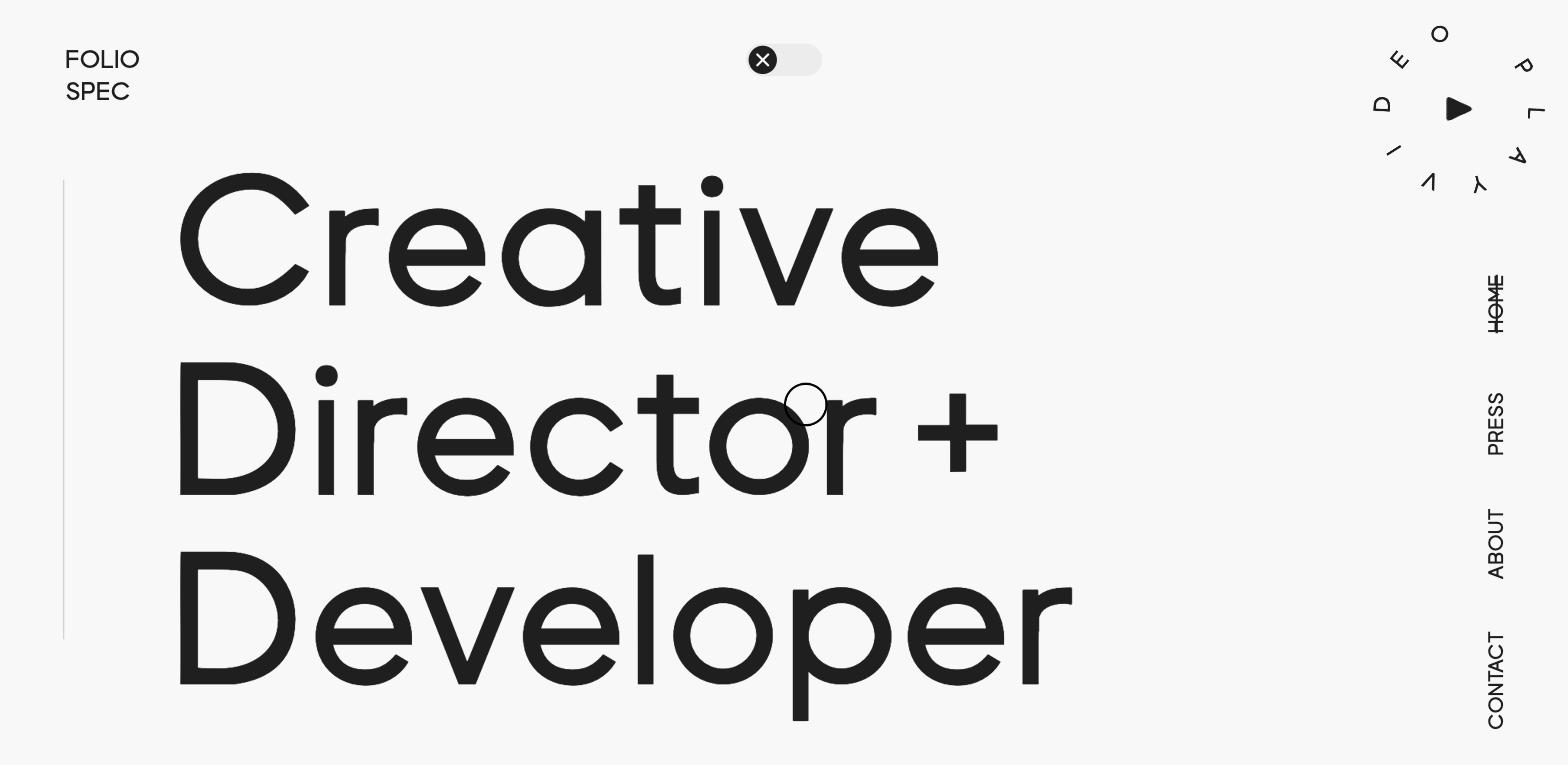
FolioSpec - $49
FolioSpec earns the step up in price with a feature the cheaper portfolio templates don't have: both dark and light mode, designed properly. Many templates claim dark mode support and deliver a colour-inverted version of a light design. FolioSpec treats both as first-class design states.
It's CMS-based with a full portfolio collection, includes animations, a responsive navigation, and a global style guide. The "no-code everywhere" claim is genuine - every design element is accessible and editable without writing a line of code. If you or your client want the option to switch between modes, this is the template.
Best for: Portfolios requiring dark/light mode, CMS-driven case studies Price: $49
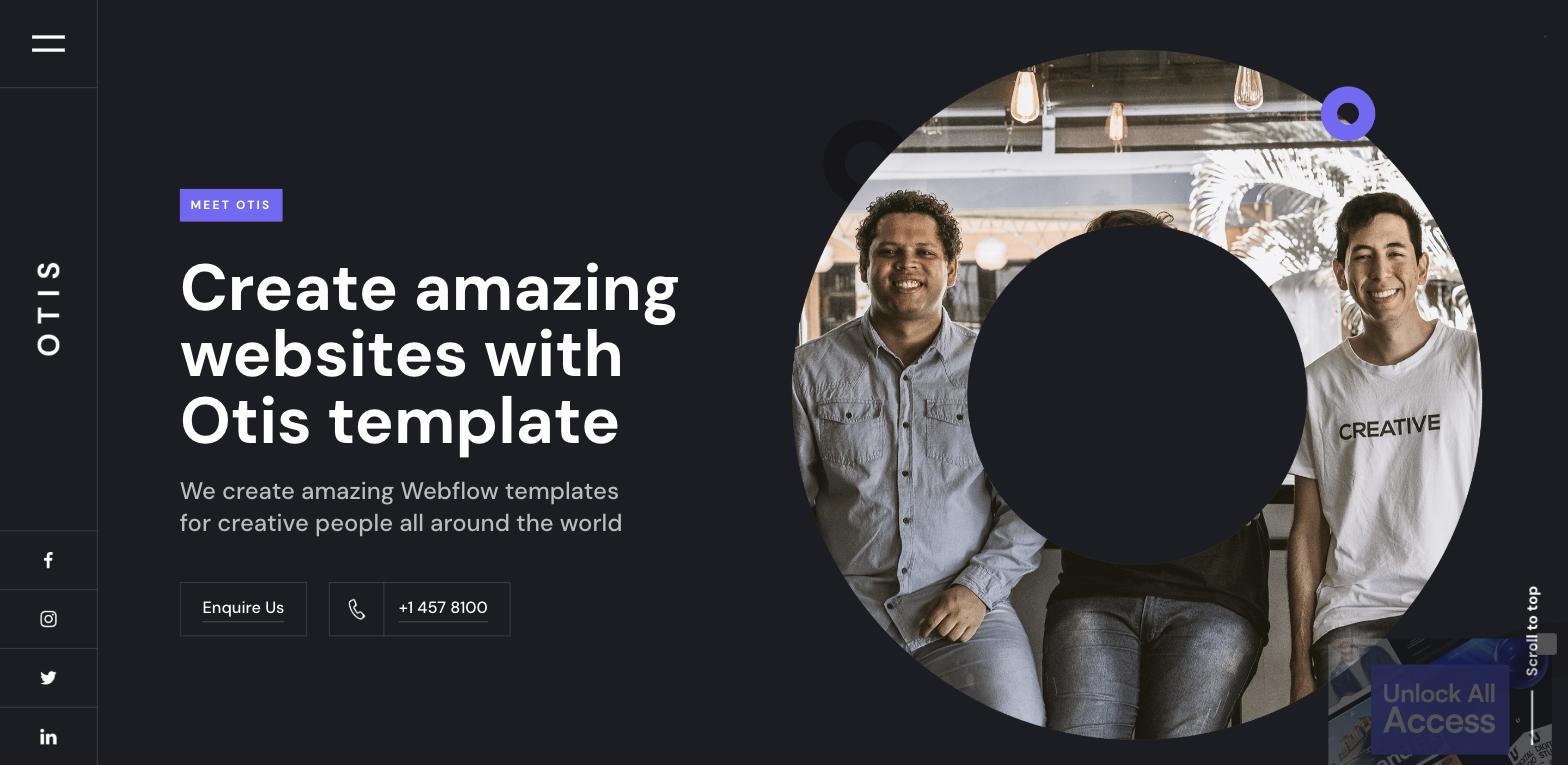
Otis - $79
Otis, by Deni Bozo, is one of the most polished agency templates in the Webflow marketplace. It’s also beautifully designed, with polished interactions and an elevated feel that comes through immediately. The user experience is smooth and distinctive - scroll behaviour, transitions, and hover states feel considered rather than default. It's fully responsive, customisable without code, and includes the style guide you'd expect at this price point.
For agencies or consultancies that want a template that already feels elevated - not one they need to heavily modify to remove "template energy" - Otis is the pick.
Best for: Boutique agencies, consultancies, creative service businesses Price: $79
Beacon - $149
Beacon is the most complete agency template on this list. It includes every page an agency site needs - services, case studies, team, about, blog, contact - with fluid animations that make each transition feel premium rather than functional.
The dynamic CMS is set up for blog posts and team members out of the box. At $149 it's an investment, but it's the template to pick when you want something that reads as custom-built without paying for a full custom Webflow development engagement. If you need that, we can help with that too - but for a template, Beacon is as close as it gets.
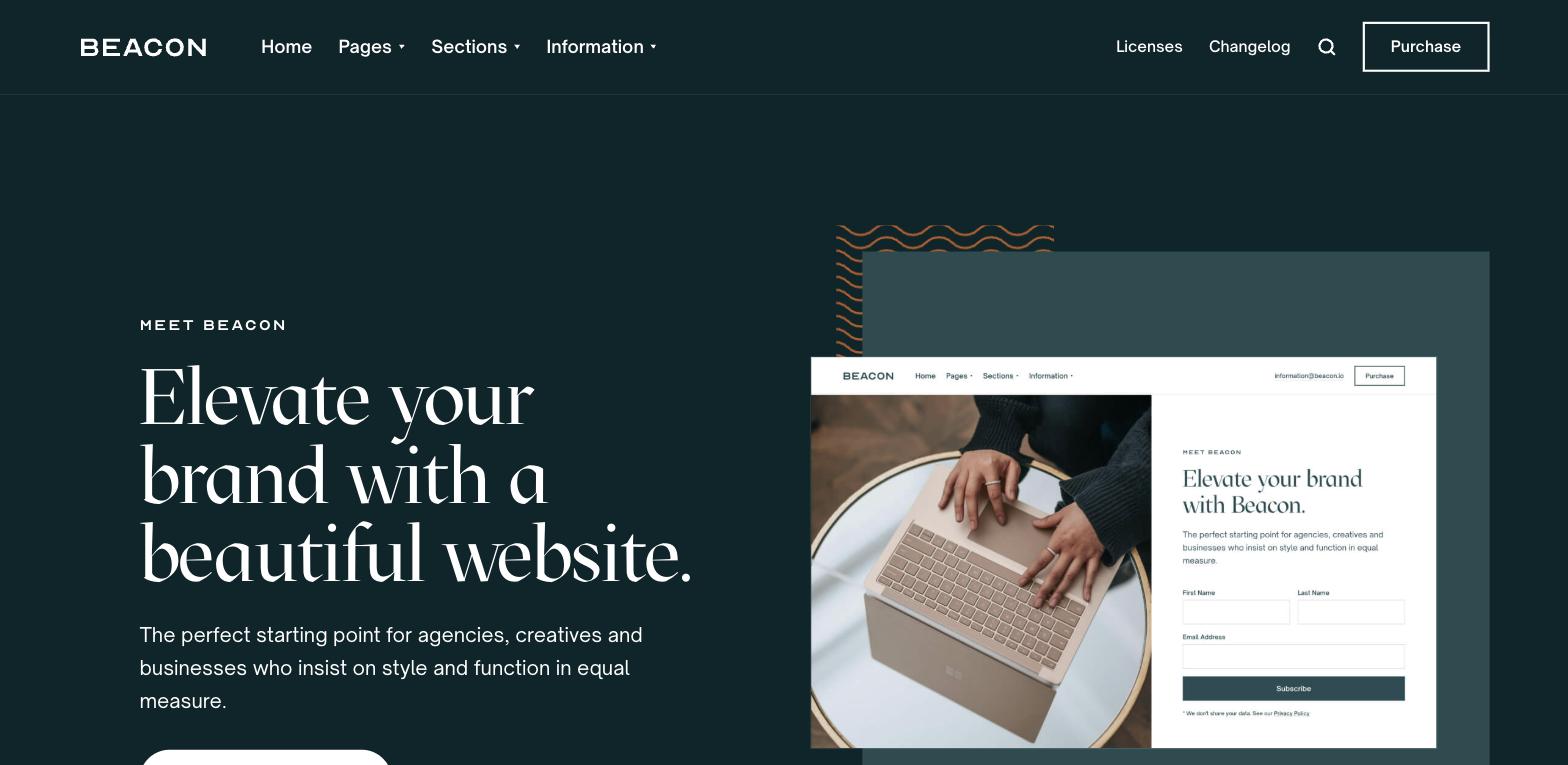
Best for: Full agency sites, service businesses wanting premium positioning Price: $149
Agencieos - $149
Agencieos competes directly with Beacon at the same price point but adds something Beacon doesn't: ecommerce support. Five demo layouts, e-commerce functionality, a newsletter form, and a clean CMS architecture make this one of the most feature-complete templates in the marketplace.
The style guide page handles all base element styling (buttons, headings, paragraphs) in one place, which is critical for any template you plan to heavily customise. If you need both a full agency site and the ability to sell products or services online, Agencieos handles it without requiring a separate commerce setup.
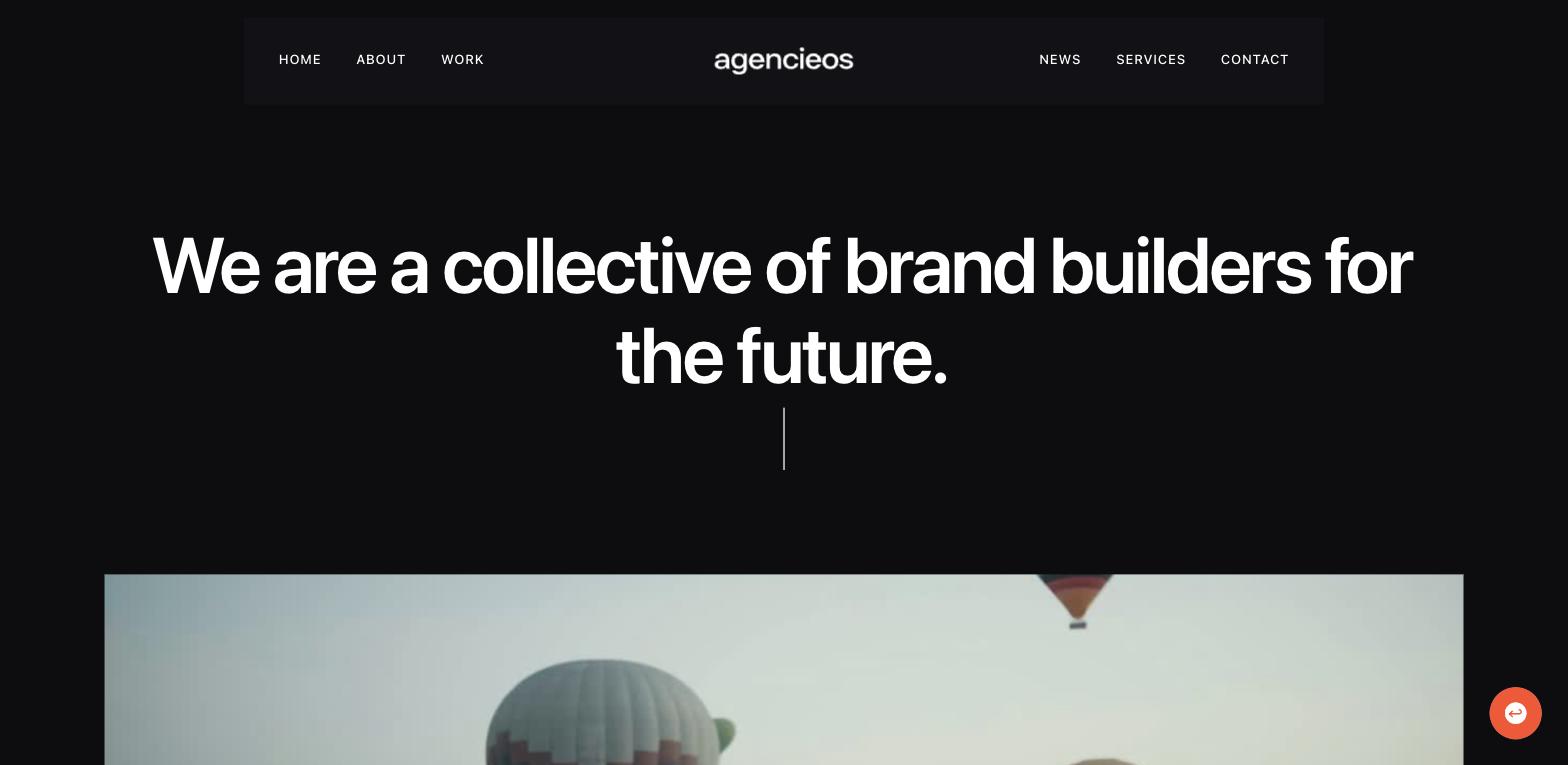
Best for: Agencies selling products/services online, complex multi-layout agency sites Price: $149
Best Webflow Templates for Niche Industries
Yogi - $79 (Wellness and Health)
Yogi is the standout wellness template in the marketplace, built by Brix Studio. The design is warm and calming without feeling generic - it works for yoga studios, personal trainers, wellness coaches, and health practitioners. The layout guides visitors toward booking or enquiry in a way that feels natural rather than pushy.
What makes Yogi distinctive is the included Figma source file. If your team works in Figma - or if you want to prototype brand variations before committing to a Webflow build - having the source design file is a significant advantage, and Brix Templates makes that workflow easier. Most templates don't include this.
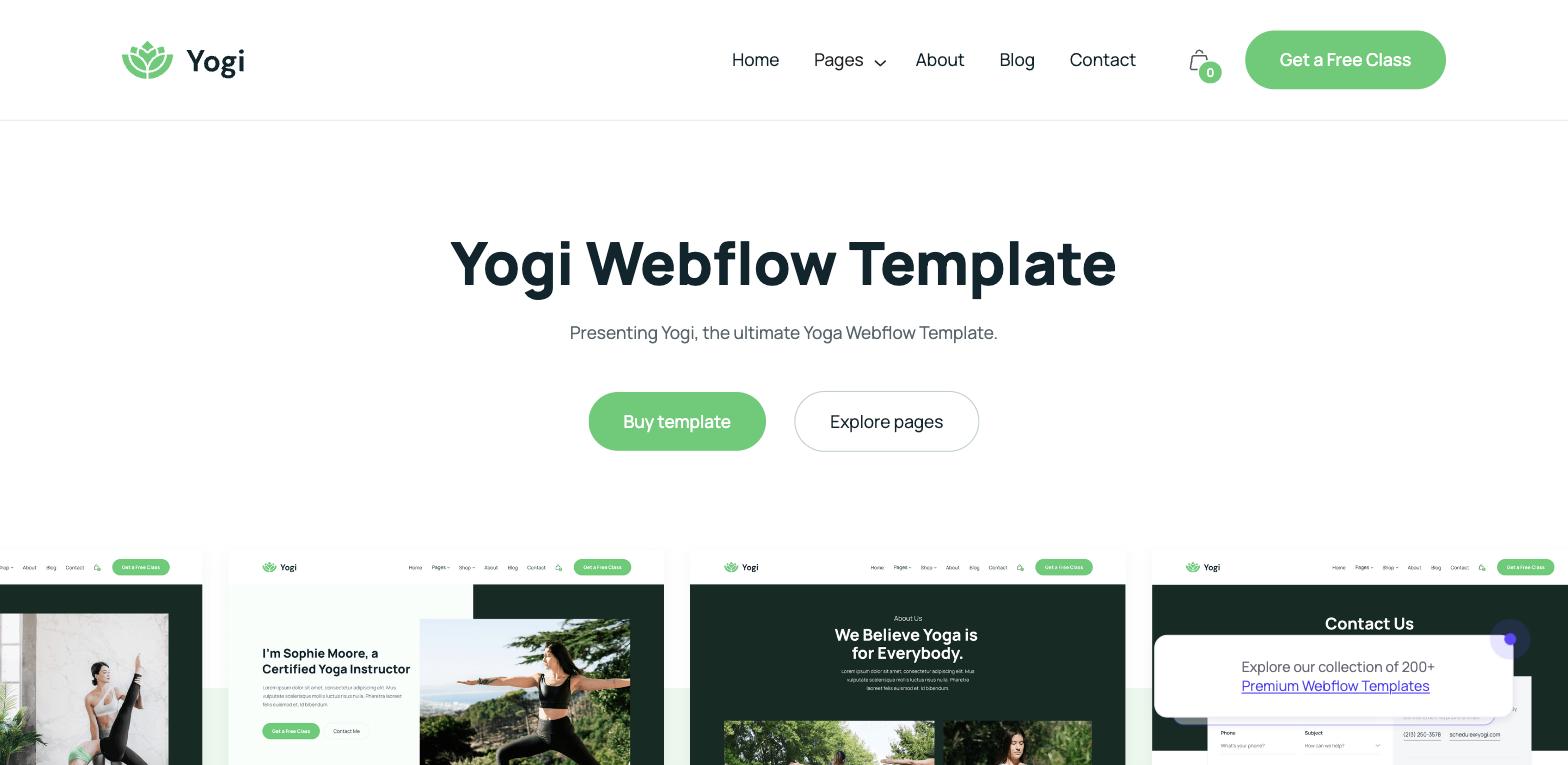
Best for: Yoga studios, wellness coaches, fitness and health professionals Price: $79
Smile - $79 (Healthcare and Medical)
Smile is the template to use if you're in healthcare, dental, or any regulated medical context. Four homepage layouts give you flexibility to match the page structure to your specific practice type. The responsive design is meticulous across mobile, tablet, and ultra-wide desktop. The CMS supports a blog - useful for SEO in healthcare where informational content drives discovery.
It includes smooth animations and a global style guide. For a healthcare practice that needs to appear professionally credible while remaining approachable, Smile balances both.
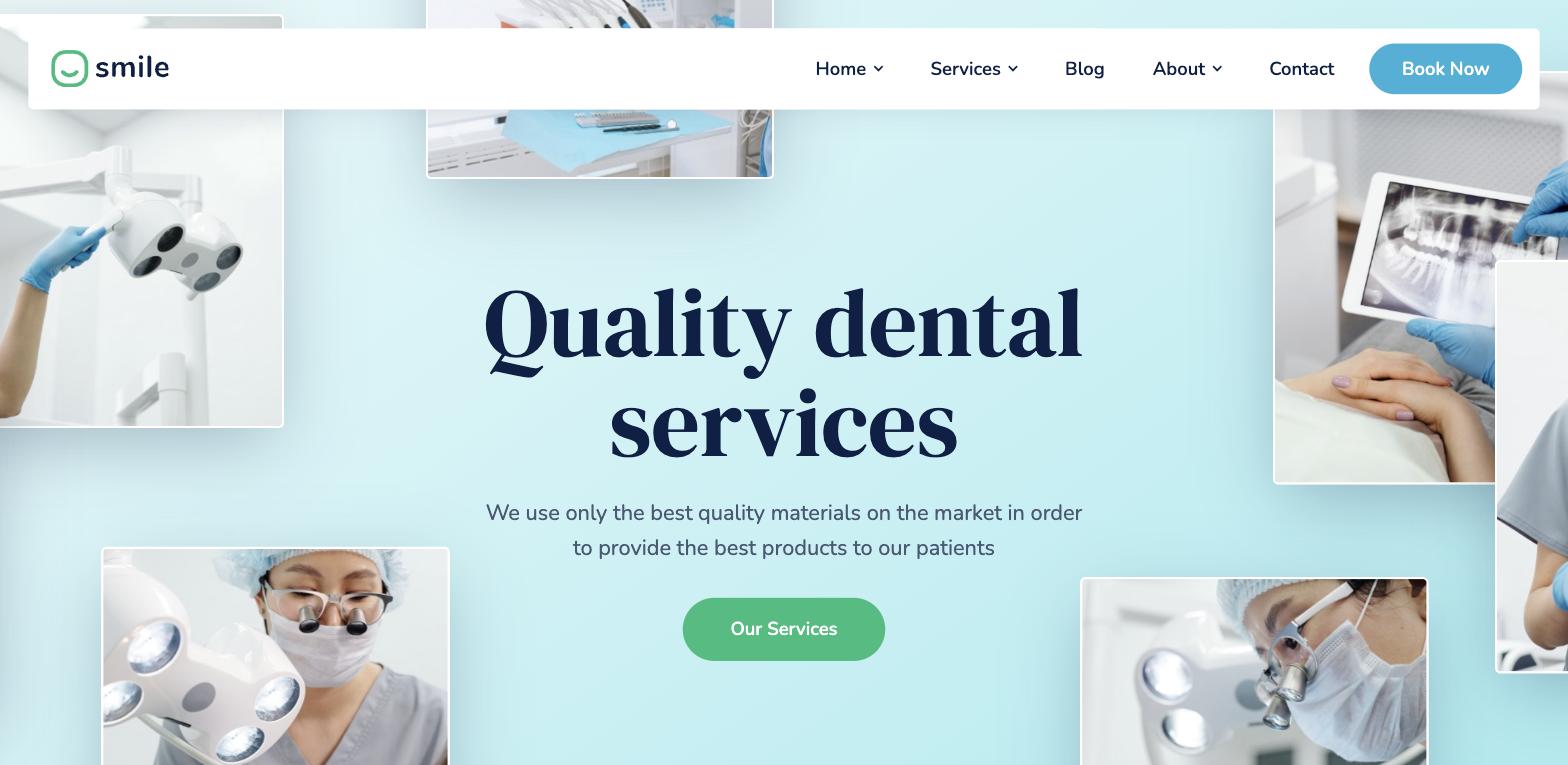
Best for: Dental practices, health centres, medical professionals Price: $79
Kayan - $79 (Non-profits and Charities)
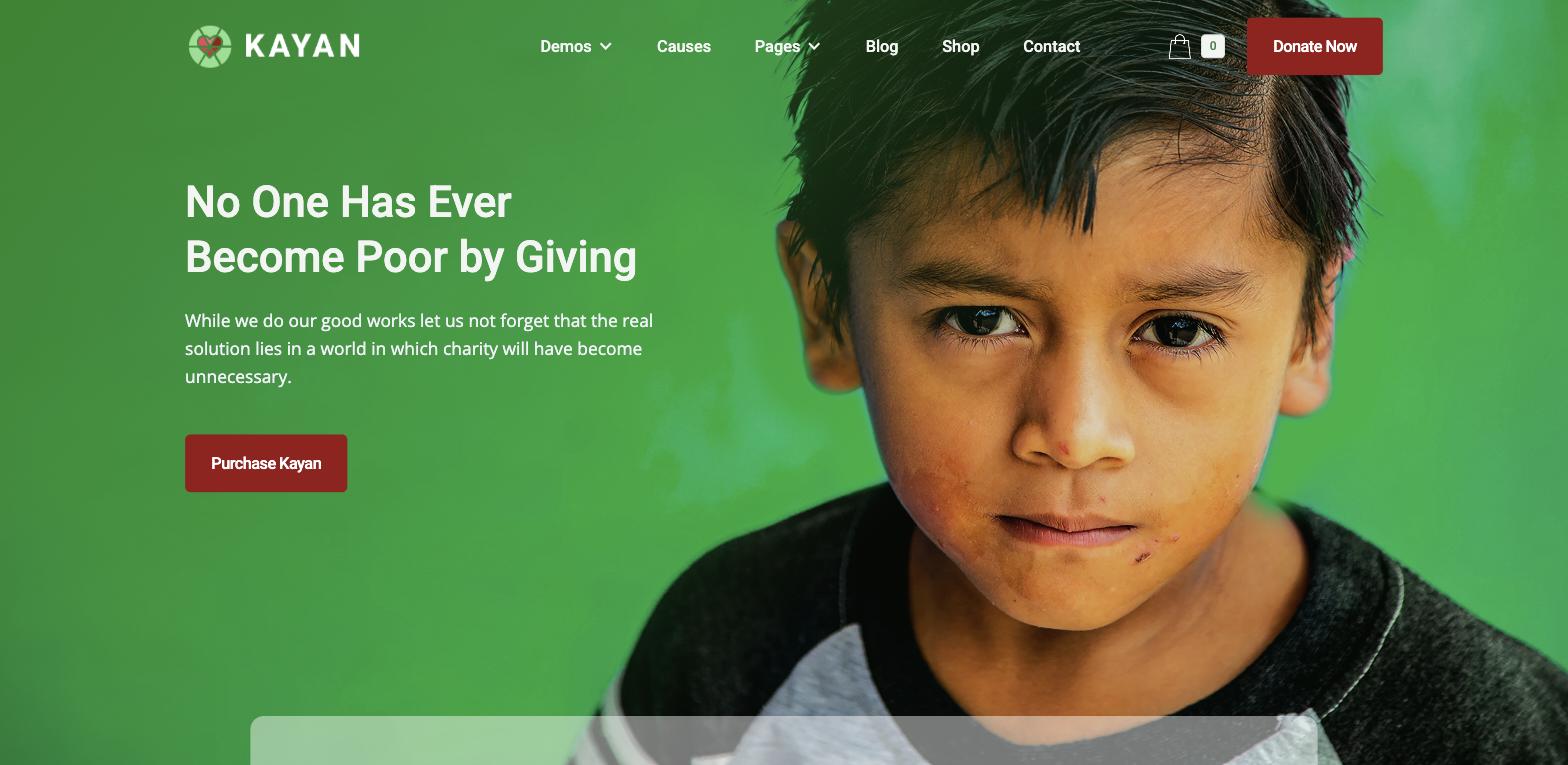
Non-profit and charity websites have specific design requirements: they need to communicate cause and urgency without being heavy-handed, and they need donation flows that convert. Kayan is built for exactly this.
The template includes a wide selection of components for storytelling - cause sections, impact statistics, team pages, campaign pages - along with a font pairing system that lets you adjust the entire visual tone of the site. For a non-profit that needs to go online quickly without the budget for a custom Webflow agency build, Kayan is the best available starting point.
Best for: Non-profits, NGOs, charities, foundations Price: $79
When a Template Isn't the Right Answer
Templates are the right choice when: you're moving fast, your requirements match the template's structure, and your brand can be applied without restructuring the underlying layout.
They're the wrong choice when: your business has requirements that fall outside standard page patterns, you need deep integrations with CRM or marketing automation, your brand is too distinctive to live inside an off-the-shelf structure, or you're building something that needs to scale and evolve over years.
At Flowout, we see teams try to force-fit templates into situations they weren't designed for - and it usually costs more time than starting fresh. Browsing community showcases for cloneable layouts can also surface a unique style that standard templates may not offer. If you're not sure which side of the line you're on, book a call with our team. We'll give you an honest answer. If a template gets you there, we'll say so.
If you need a full library to browse beyond these 20, our free Webflow template library has 80+ options filterable by category, style, and type. And if you're looking for inspiration from live sites rather than templates, our best Webflow websites collection shows what's possible when you build from scratch.
Frequently Asked Questions
What are the best free Webflow templates?
The best free Webflow templates for most use cases are: Crystal and Saturn (SaaS/startup landing pages), Layer (mobile app), Luma (ecommerce), Chomp (food/restaurant), Adventure Blog (content sites), and Coursy (education/courses). All are free to clone from Made in Webflow. For a full filterable collection, see our free template library.
Are Webflow templates worth buying?
Paid Webflow templates are worth it when the free options don't match your use case, especially if you're evaluating premium templates, when the paid template includes features that would take a developer significant time to build (animations, CMS architecture, multi-layout options), or when you need a Figma source file for design collaboration, particularly if a design team needs to iterate before development. The $24–$79 range offers strong value for most projects. $149 templates like Beacon and Agencieos are only worth it if you need the full feature set they provide - otherwise you're paying for things you won't use, even with dedicated support.
Can I customize a Webflow template without knowing how to code?
Yes. Webflow's visual designer lets you change colours, typography, spacing, images, and content without touching code, and most templates are fully customizable inside it. Templates with a dedicated style guide page are easier to rebrand - you update styles, design elements, and different colors in the guide, and the whole site follows. For structural changes beyond visual customisation (adding new page types, custom interactions, third-party integrations), you may need a developer to create them cleanly. Our Webflow development team handles these engagements regularly.
How do I install a Webflow template?
For templates on the Webflow Marketplace, purchase or clone the template and it appears as a new project in your Webflow dashboard. For Made in Webflow cloneables, click the "Clone" button on the template page while signed in to your Webflow account. The template creates a new project you can then customize and publish on any plan.
What's the difference between free and paid Webflow templates?
Price isn't the main difference - some free templates are technically superior to paid ones, though paid options often offer deeper customization and more polished systems. The real differences: paid templates tend to have more page types, more component variety, including multipurpose UI kits, more polished interactions, and dedicated creator support. Free templates (especially from Flowout and Finsweet) are often just as structurally sound but have fewer built-in pages. The right choice depends on how much your use case matches what's built, and a paid option is a great choice when its built-in structure is closely suitable to your needs and saves rework.
Do Webflow templates hurt SEO?
A template itself doesn't hurt SEO. What matters is how it's implemented: heading hierarchy (one H1 per page, logical structure), image alt text, page speed, mobile responsiveness, and seo optimizations beyond basic responsiveness. Strong web design follows web design best practices, so an optimized template should also support clean and readable homepages and readable homepages that improve experience for users and search visibility. Most quality Webflow templates are built with these in mind. Optimized contact forms can also improve engagement and support SEO performance. What can hurt SEO is launching a template site without updating the meta titles, descriptions, and headings to reflect your actual content. The Webflow SEO service we offer covers technical and on-page SEO for template-based and custom sites alike.
Should I use a template or hire a Webflow agency?
Use a template if your needs are standard, your timeline is short, and a custom design isn't a business requirement. Hire a Webflow agency like Flowout if your site is a core growth asset, your brand requires bespoke design, especially if you want to create a more distinctive result than off-the-shelf options allow, you need complex integrations (CRM, payment, API), or you want ongoing optimisation and CRO. Many of our clients start with a great template and come to us when they outgrow it - usually when the site becomes important enough that a template's limitations are costing them, and in the meantime it helps to keep exploring webflow resources while you decide between templates and agency support.